
Skip to content
Menu
Contact us
Free SEO checklist

The SEO checklist, straight from Google’s own docs.

Stop learning SEO from random tips. Every section below links to the page where Google explains it, so you know why each step matters. 45 boxes, eight sections, tick them off as you go.

Start the checklist
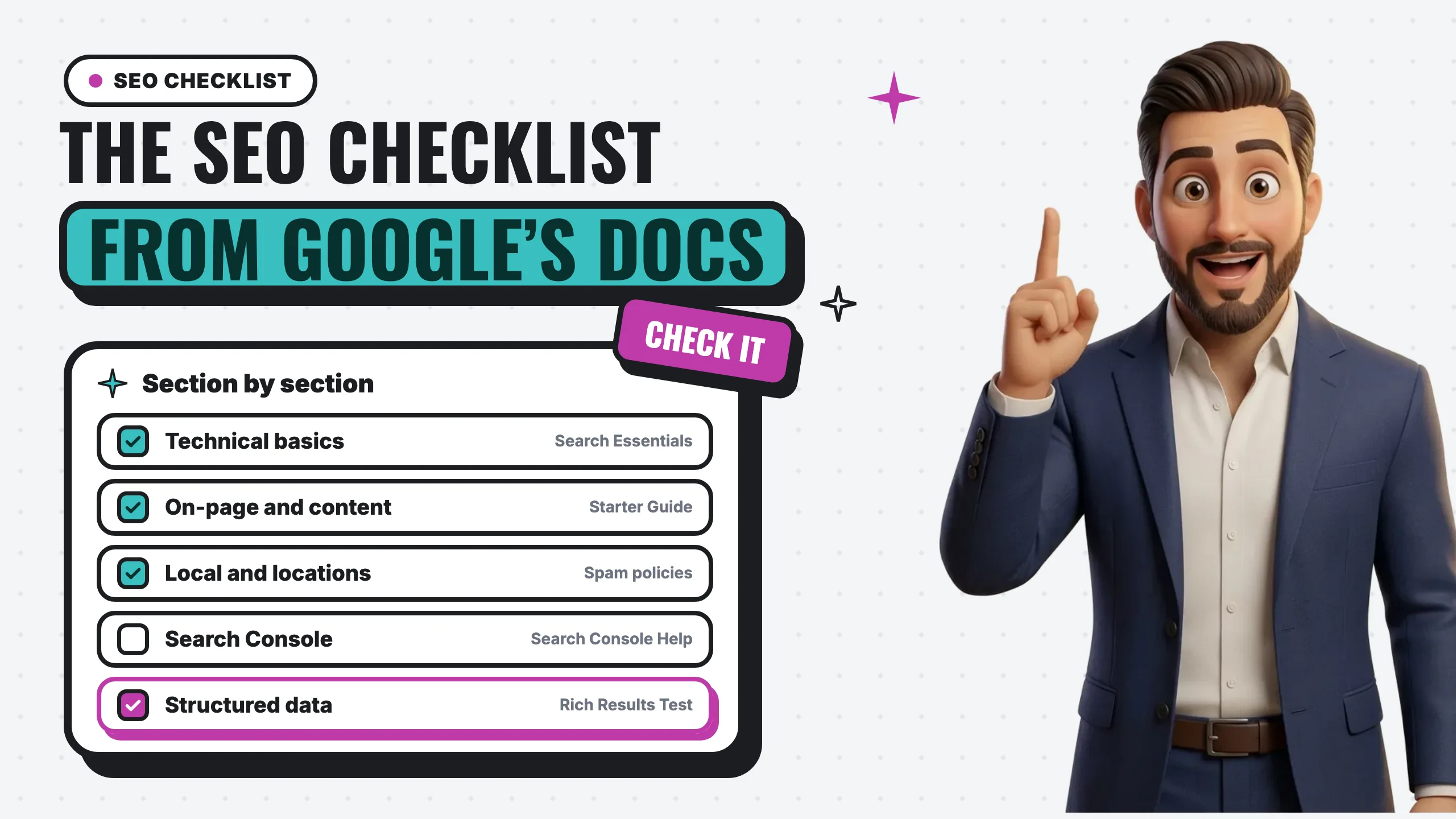
The SEO checklist from Google’s docs: technical basics, on-page and content, local and locations, Search Console and structured data, with Roberto pointing up

Why start here

Tips change every week. Google’s docs are the source.

Jumping from one tutorial to the next teaches tricks, not how search works. Google Search Central is Google explaining its own systems. Learn the fundamentals there, apply them to your real site, measure, and keep what works.

Your progress

0 / 45

01 / 08

Start with Google’s own rules

Google Search Essentials is the short list of what makes a page eligible to show up at all: technical requirements, spam policies and key best practices. Read it before any tip from anyone else, including us.

Start with Google’s own rules 4

02 / 08

Technical basics

Google’s technical requirements are three things: Googlebot isn’t blocked, the page works (it returns HTTP 200), and it has indexable content. Everything in this section protects those three.

Technical basics 7

03 / 08

On-page basics

This is what people see in the results before they click: your title, your snippet, and the links and images that tell Google what each page is about.

On-page basics 6

04 / 08

Content that covers the topic

Google’s systems are built to reward people-first content: written primarily for people, not to manipulate rankings. A landing page per service is a start. The questions around that service are what show you know it.

Content that covers the topic 6

05 / 08

Local and multiple locations

Google lists “pages targeted at specific regions or cities that funnel users to one page” as doorway abuse. More locations means more real pages, each one worth visiting, built around your services, your areas and what people there actually search.

Local and multiple locations 6

06 / 08

Search Console data

Search Console shows the searches you already appear for, with impressions, clicks and position. That is real data from Google, and it beats guessing what to write next.

Search Console data 6

07 / 08

How visitors actually use your site

Rankings get people to the page. What they do next decides whether they call. Microsoft Clarity is a behavioral analytics tool with session recordings and heatmaps, so you can watch where people get stuck.

How visitors actually use your site 5

08 / 08

Structured data (schema)

Structured data tells Google exactly what a page is: a business, a service, a breadcrumb trail. Google’s rule is plain: don’t mark up content that is not visible to readers of the page.

Structured data (schema) 5

The biggest lesson: it’s a loop, not a list

SEO isn’t copying every tactic you see. For a local business, your Business Profile, site structure, service pages and content all work together, and the data tells you what to do next.

1

Learn

Read the Google doc for the section before you change anything.

2

Apply

Make the change on a real page, and write down the date.

3

Measure

Give it a few weeks, then compare Search Console and visitor data.

4

Improve

Keep what moved the numbers. Fix or drop what didn’t.

Frequently asked

A list of the things that help a site get found and chosen in Google, in an order you can work through. This one is built from Google’s own documentation, so every section links to the page where Google explains it.

Because it is Google describing its own systems. Tips are often someone’s guess, or something that worked once on one site. Starting with the source means you understand why a fix works, so you can tell a good tip from a bad one.

Most of it, but not all at once. Start with Search Essentials and the technical basics, then on-page, then local. Search Console tells you where the next hour is best spent.

Build around your real services and the real places you serve, with a page for each location that has its own details. Google’s spam policies list near-identical city pages that funnel visitors to one page as doorway abuse, so swapping the city name is not enough.

Google’s guidance says generative AI can be useful, especially for research, but using it to generate many pages without adding value for users may violate its spam policy on scaled content abuse. Use AI for drafts and research, then fact-check every claim and add what only you know.

Yes. Local SEO is what we do every day for businesses in Salinas and Monterey County. Start with a free look at your Google listing and we will tell you which part of this list matters most for you.

Want this checklist worked for your business?

Start with a free look at your Google listing. I’ll tell you which part of this list matters most for you, whether or not you hire me.

Have a website?
Want it handled?
  • Spanish written, not translated
  • 48-hour starter turnaround
  • Founder-built in Salinas
  • Every number sourced
  • Sub-2-second loads
  • Owned by you, hosted by us
  • Built around your booked job
  • One playbook, every city
  • Spanish written, not translated
  • 48-hour starter turnaround
  • Founder-built in Salinas
  • Every number sourced
  • Sub-2-second loads
  • Owned by you, hosted by us
  • Built around your booked job
  • One playbook, every city