
Most business owners I talk to have set up Google Search Console, or had someone do it. Almost none have set up Bing. That’s a free head start left on the table.
Bing Webmaster Tools is Microsoft’s free tool for seeing your website the way Bing sees it: which pages Bing has, which searches show you, who links to you, and, new in 2026, how often Microsoft Copilot cites your pages in its AI answers.
What is Bing Webmaster Tools?
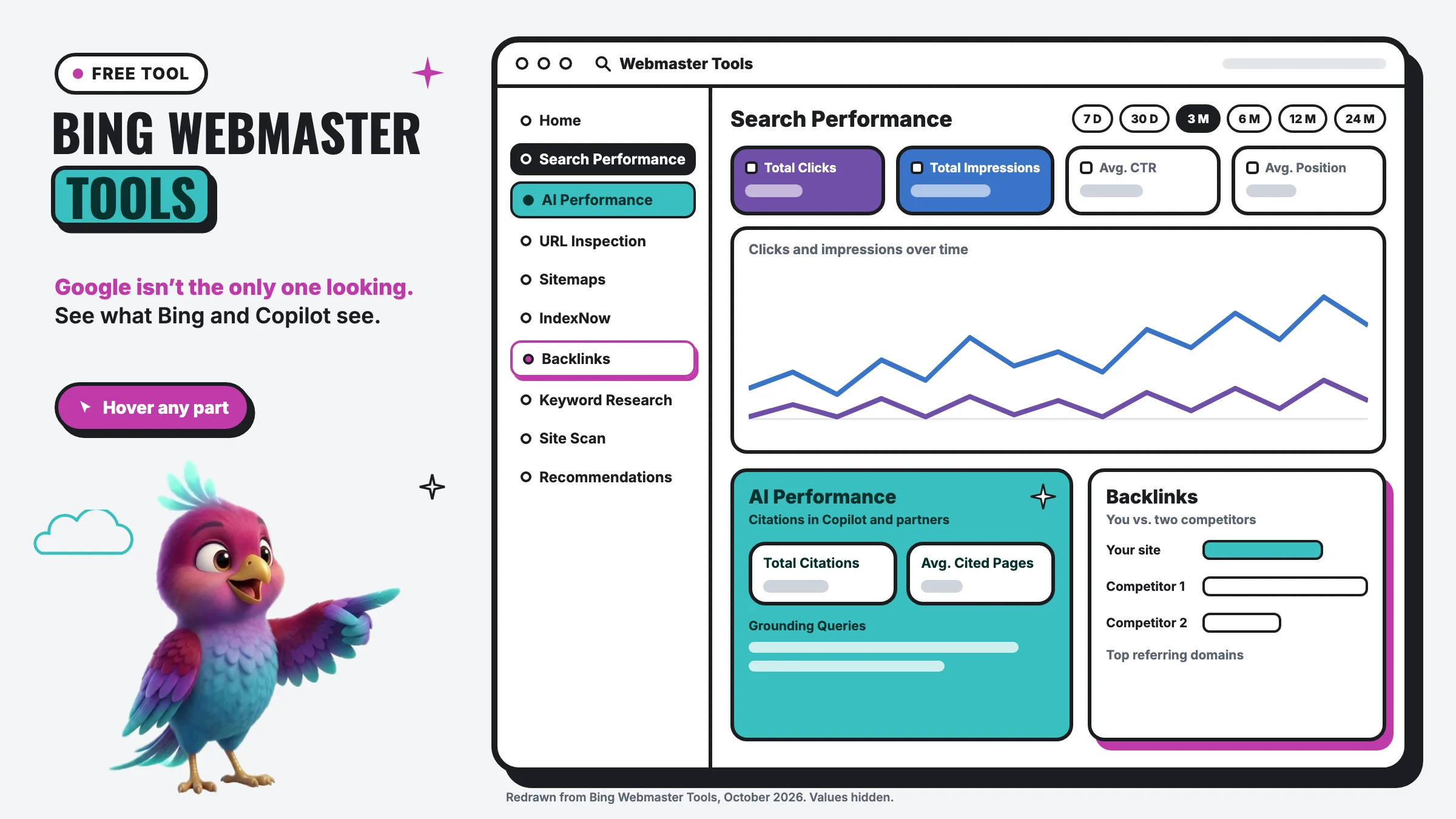
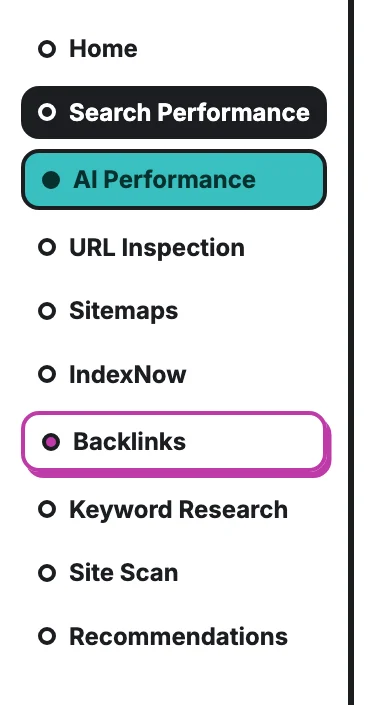
It’s Bing’s version of Google Search Console. It’s free, and you can sign in with a Microsoft, Google or Facebook account. Once your site is added, it shows:
- Search Performance: clicks, impressions, click-through rate and average position from Bing.
- AI Performance: how often your pages are cited as a source in Copilot and other AI answers.
- Backlinks: who links to you, and how you compare with competitors.
- URL Inspection, Sitemaps and IndexNow: whether Bing has your pages, and how to get new ones found fast.
- Keyword Research, Site Scan and Recommendations: free search data, a technical check-up and a to-do list.
Why a small business needs it
Bing is bigger than people think. In September 2026, Bing handled 18.8% of desktop searches in the US, almost 1 in 5.
Bing powers other search engines too. Yahoo’s results come from Bing, and DuckDuckGo says its regular links come largely from Bing. Showing up well on Bing helps you there too.
Bing feeds AI answers. Microsoft Copilot cites its sources, and Bing’s AI Performance report shows citations across Copilot, the AI summaries in Bing results and select partner AI tools. In 2023 Microsoft also announced Bing as ChatGPT’s default search experience; how ChatGPT searches today may have changed since, but Bing is clearly one of the doors into AI answers.
It’s the only free place to see your AI citations. Google doesn’t give you a Copilot report. Bing does.
What we found on a client’s site
On one client’s site we manage, the reports told us two things Google never would have: Bing was sending them real visitors, and Copilot was already citing their pages as a source in its answers. We now know which pages AI trusts, and we build on those.
(The two screenshots below are from that client’s real dashboard with every number blurred. We never share a client’s data.)
The Search Performance report
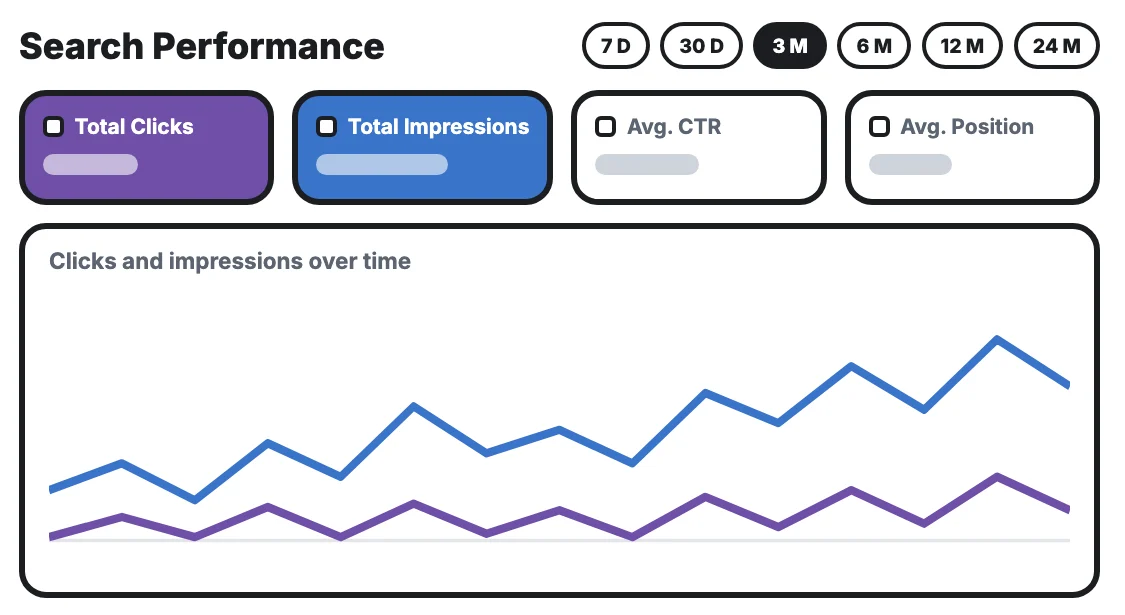
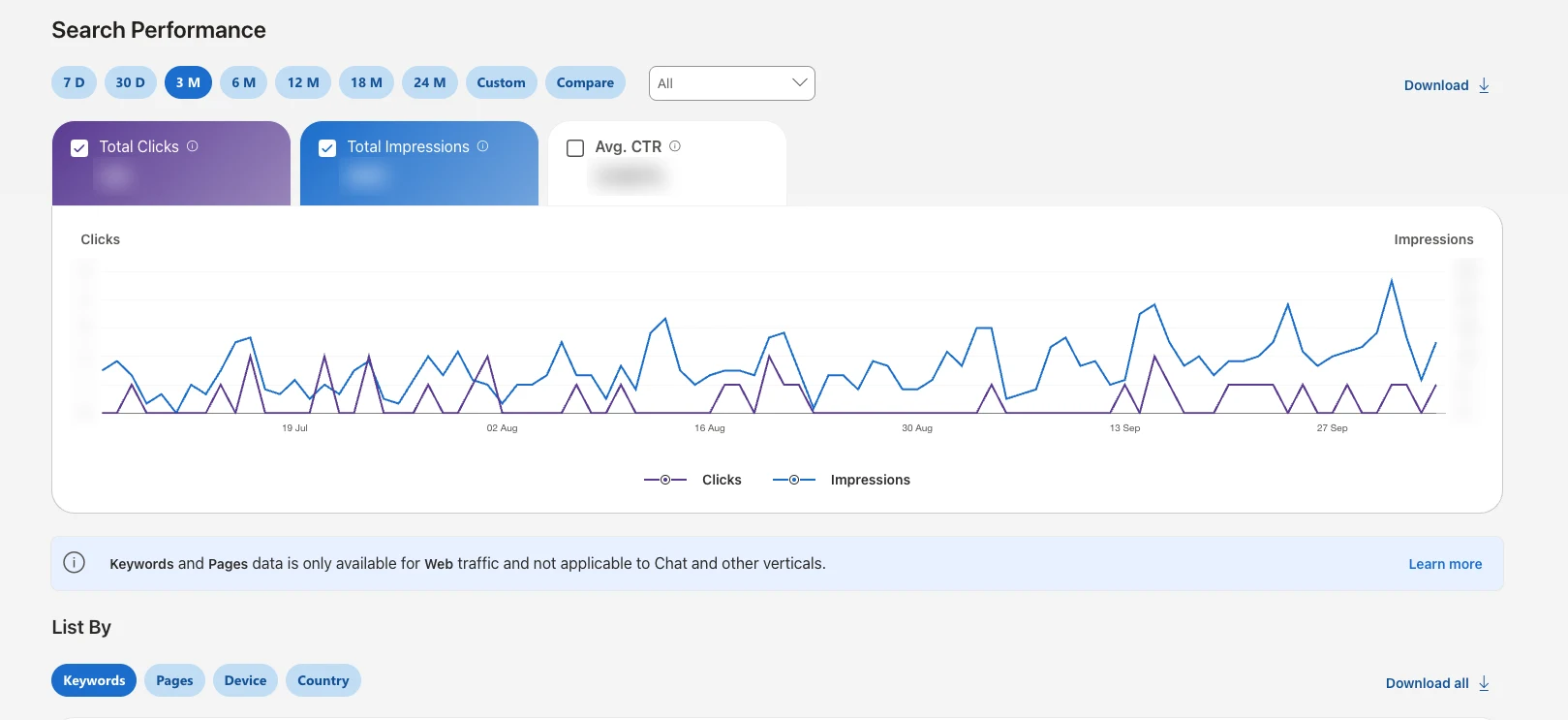 Date range and Compare From 7 days up to 24 months. Compare lays one period over another, like this month against last month. Total Clicks People who clicked through to your site from Bing. Real visitors Google Search Console doesn’t count. Total Impressions How often your site appeared in Bing, including Bing’s chat and Copilot answers. Avg. CTR Clicks divided by impressions. Tick the box to add it to the chart. Clicks and impressions by day Impressions in blue, clicks in purple. Read the direction over weeks, not single days. Web only, not chat Bing’s own note: the keyword and page lists cover regular web results, not chat. For AI, use the AI Performance report. Keywords, Pages, Device, Country Break the numbers down by search, page, device or country. Start with Keywords.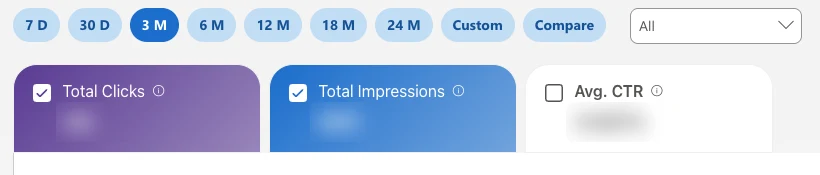
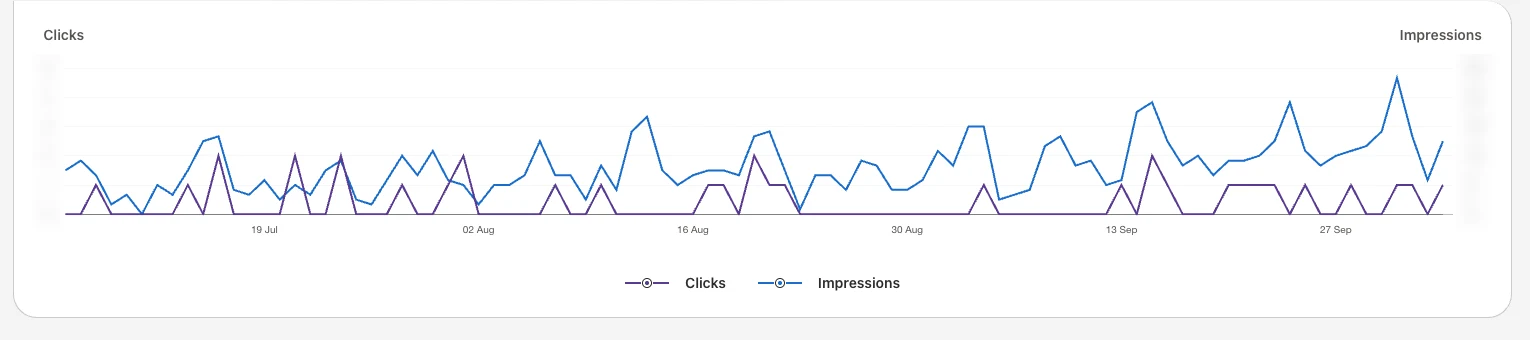

A real client dashboard. Every number is blurred.
Screenshot of Bing Webmaster Tools Search Performance, a client site, October 2026, values blurred.
This is the real Search Performance screen, with the client’s numbers blurred. Hover over any part for a quick explanation, or click it and the AI walks you through it.
This is the screen you’ll open most. It works like Google Search Console’s Performance report: Total Clicks are visitors Bing sent you, Total Impressions are the times you showed up, and Avg. CTR is the share who clicked. Bing’s impressions also include its chat and Copilot answers, not just the blue links.
The date buttons run from 7 days to 24 months, and Compare lays one period over another. Below the chart, List By breaks it down by Keywords, Pages, Device and Country. Start with Keywords: those are the searches people already use to find you on Bing.
Notice Bing’s note under the chart: the keyword and page lists only cover regular web results, not chat. For what happens inside Copilot, you need the next report.
The AI Performance report
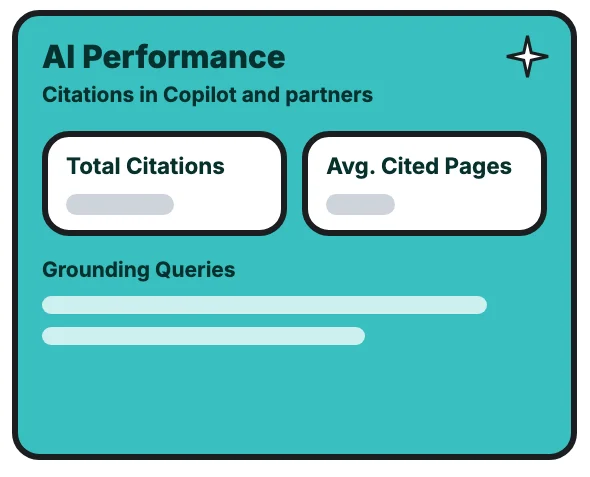
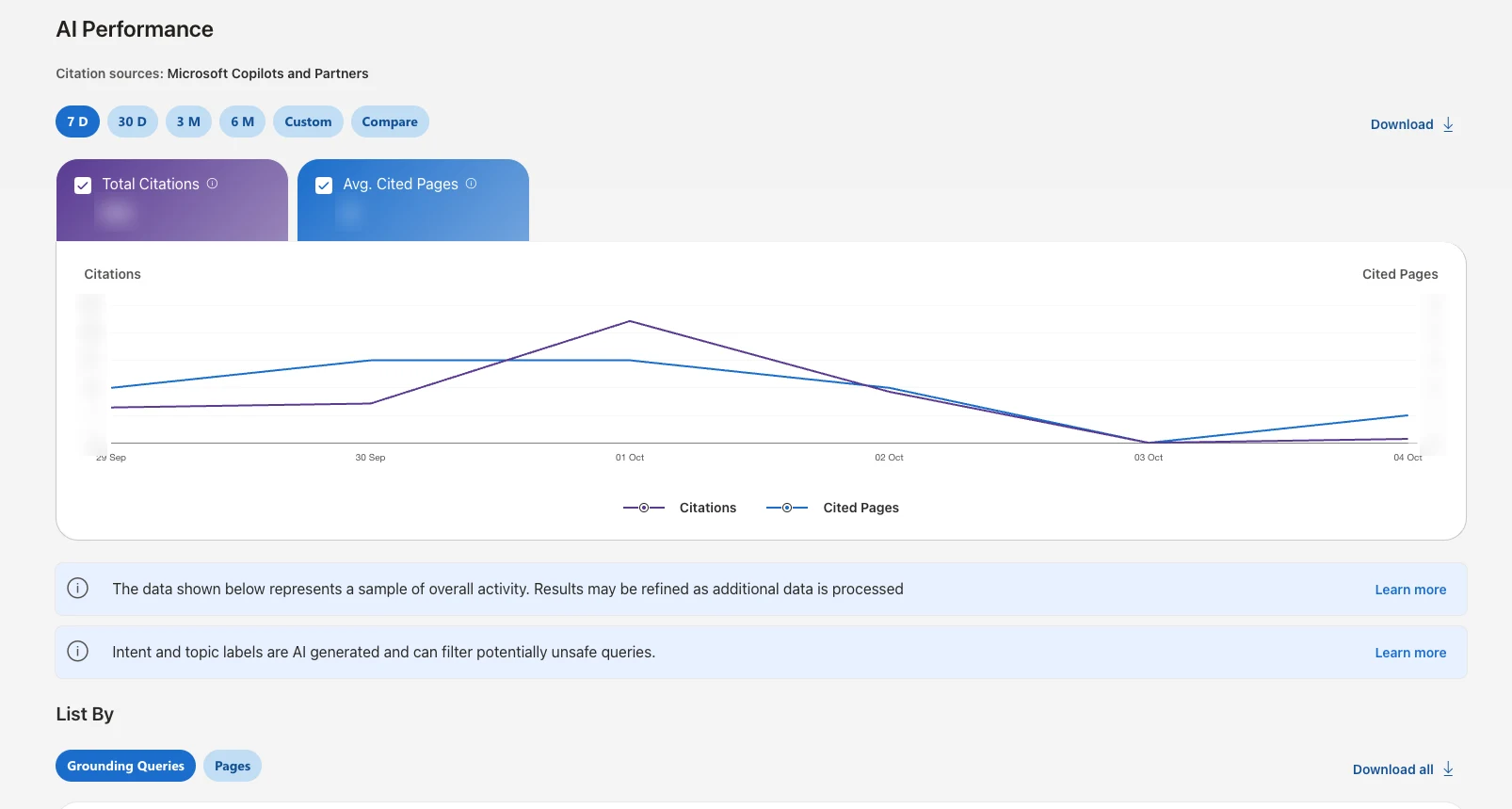 Microsoft Copilots and Partners Citations in Microsoft Copilot, the AI summaries in Bing, and select partner AI tools. Date range 7 days, 30 days, 3 months or longer, plus Custom and Compare. Start with 30 days. Total Citations How many times your pages were shown as a source in an AI answer. Bing says it’s not clicks or visits. Avg. Cited Pages On an average day, how many different pages of your site AI cited. Citations by day Citations in purple, cited pages in blue. Expect ups and downs; Bing says it changes with what people ask. It’s a sample Bing’s own note: this is a sample of overall activity. Read the trend, not the exact count. Intent and topic labels Bing labels each query’s intent (Local is one) and topic with AI. Handy, but not perfect. Grounding Queries and Pages The phrases AI used to find your content, and which of your pages it cited. Start with Pages.
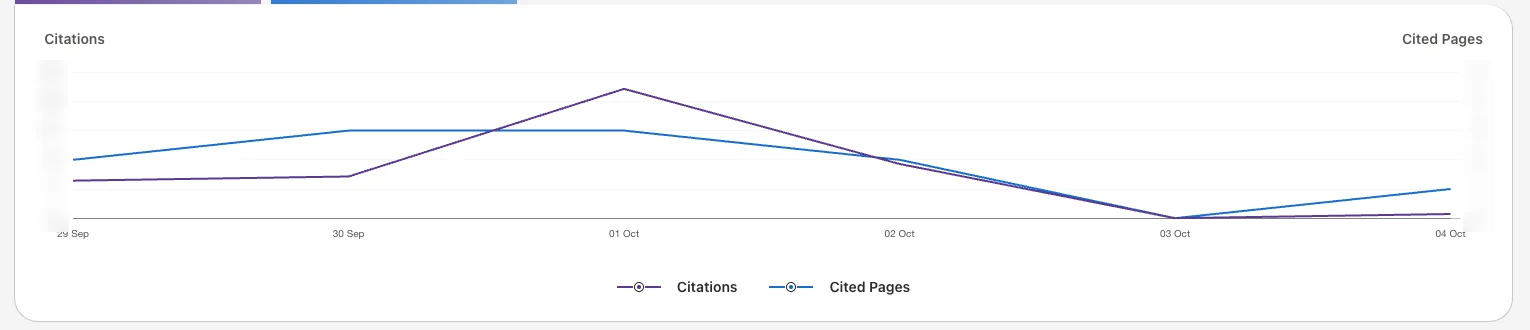

A real client dashboard. Every number is blurred.
Screenshot of Bing Webmaster Tools AI Performance, a client site, October 2026, values blurred.
This is the real AI Performance screen, with the client’s numbers blurred. Hover over any part for a quick explanation, or click it and the AI walks you through it.
Bing launched AI Performance as a public preview in February 2026 and calls it “an early step toward Generative Engine Optimization (GEO) tooling.” Here’s how to read it:
- Total Citations: how many times your pages were shown as a source in an AI answer.
- Avg. Cited Pages: how many different pages of your site were cited on an average day.
- Grounding Queries: the short phrases the AI used when it pulled your content. They’re grouped topics, not the customer’s exact question.
- Pages: which of your pages get cited most.
Bing is careful to say what this is not. A citation “does not represent traffic, clicks, or user engagement,” and the numbers are “a sample of overall citation activity.” So read the trend, not the exact count.
Two newer labels are worth knowing. Bing tags each grounding query with an intent, and one of them is Local. If you see Local queries in your list, AI is citing you when people ask about nearby businesses. And Citation Share shows what percentage of the citations for a phrase went to you. Bing doesn’t name the other sites, but a low share on a phrase you care about is a sign that page needs work.
What to do with it: open the Pages tab, find your most-cited pages, and make sure they’re complete, current and clearly written. Bing’s own advice is the same as ours in where AI gets its information: clear headings, real answers, evidence and fresh information.
The Backlinks report: see who links to your competitors
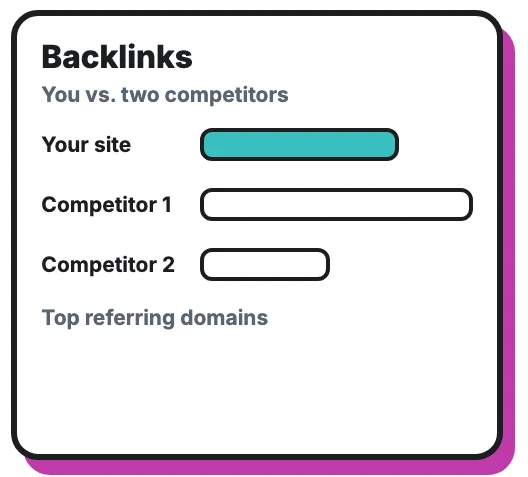
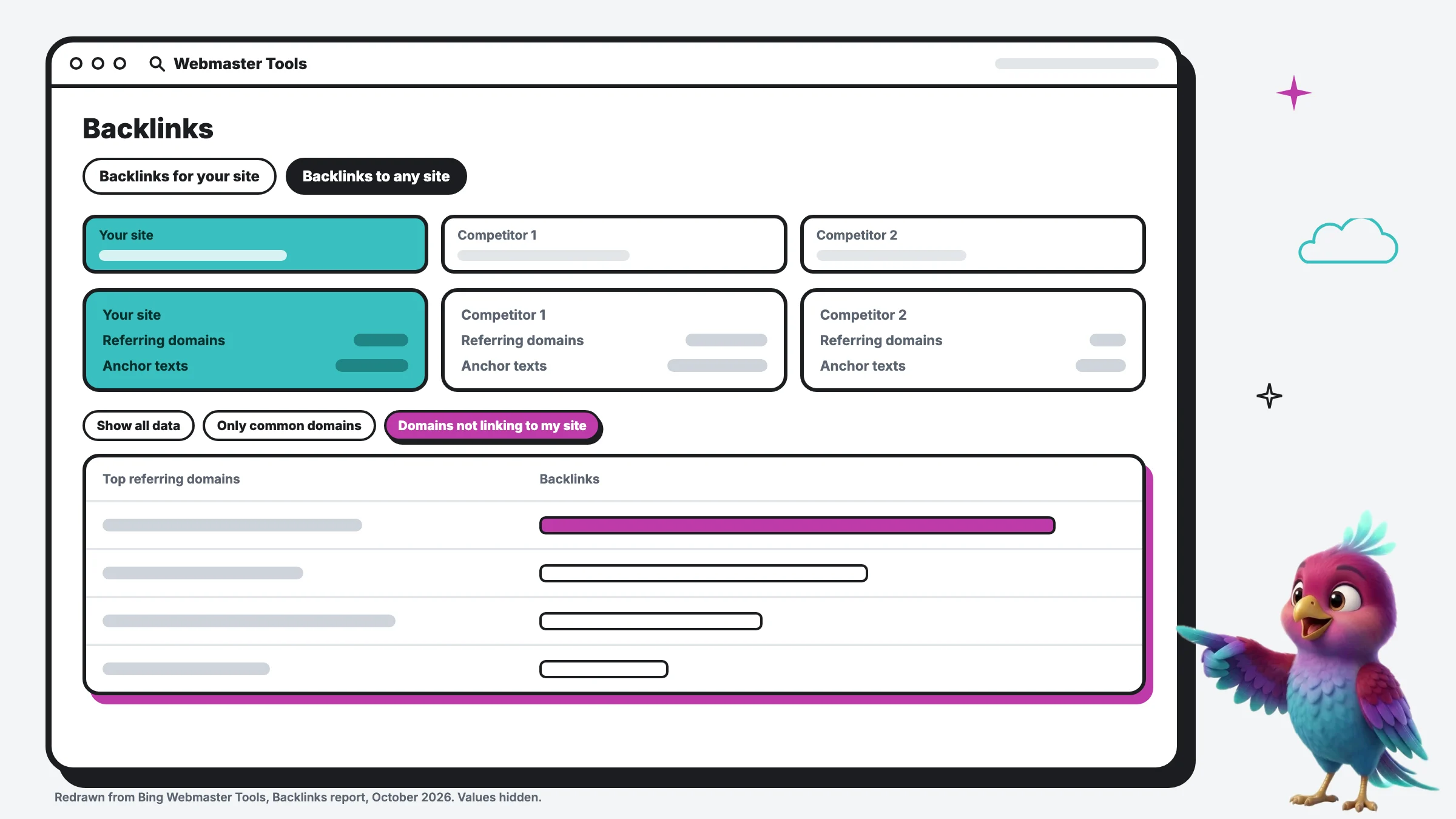 Backlinks to any site The first tab shows who links to you. The second compares you with up to two other sites. Your site Your own backlink profile: the other websites that link to yours. Two competitors Add up to two other sites. Bing even suggests similar sites to pick from. Referring domains and anchor texts How many different websites link to you, and the words they use in the link. The same numbers for them If a competitor has far more referring domains, that can be part of why they outrank you. Domains not linking to my site The best filter in the tool: sites that link to your competitors but not to you. That’s your to-do list. Top referring domains The top 10 sites sending links, with a count for each. Click one to see the exact pages. The biggest gap Often a directory, a chamber or a local news site, sometimes just a listing or one email away.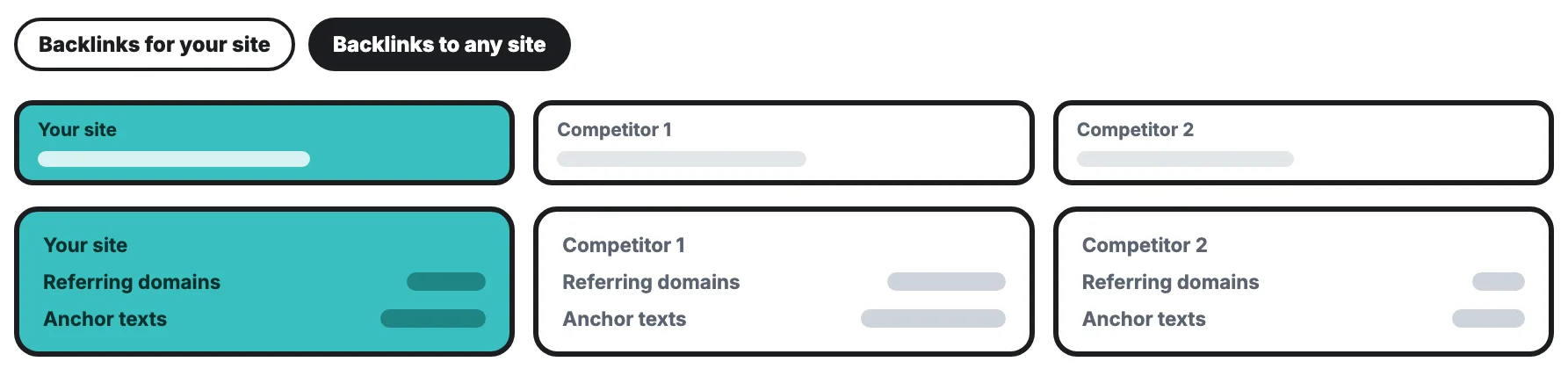
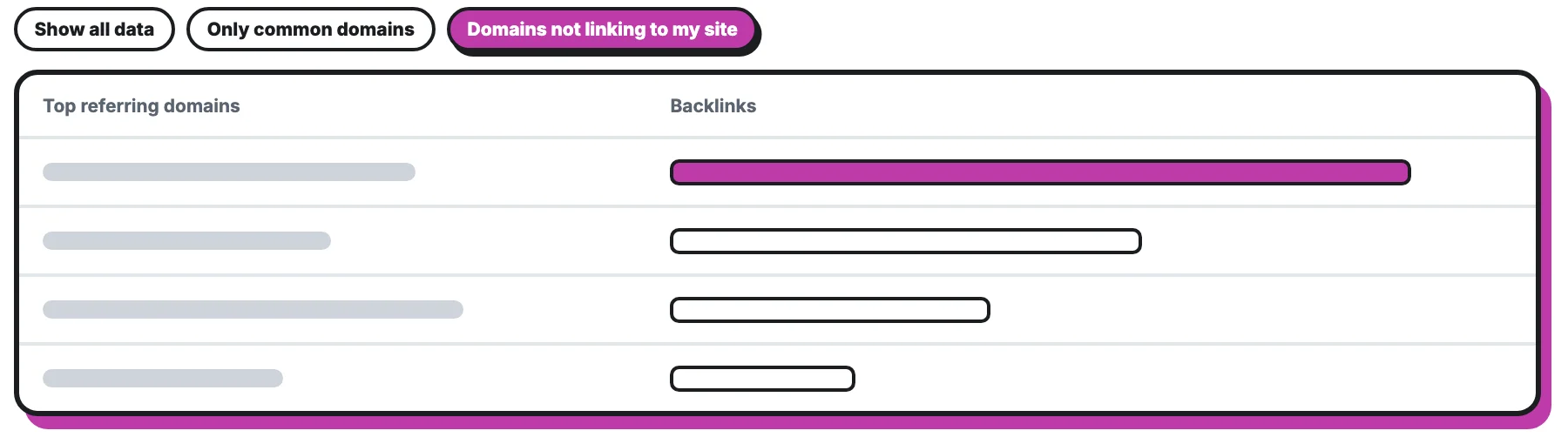
Redrawn from Bing Webmaster Tools. Every value is hidden.
Illustration of the Bing Webmaster Tools Backlinks report, Backlinks to any site view, October 2026. Values hidden.
This is the Backlinks report, comparing your site with two competitors. Hover over any part for a quick explanation, or click it and the AI walks you through it.
Backlinks are other websites linking to yours. They still matter for rankings, and Bing gives you something Google Search Console doesn’t: a comparison.
In Backlinks to any site, Bing lets you compare your backlink profile with up to two other sites, and it even suggests similar sites to pick. You get the referring domains and anchor texts for each, then the top 10 referring domains.
The best part is one filter: Show domains not linking to my site. It lists the websites that link to your competitors but not to you. For a local business that list often includes directories, the chamber of commerce, suppliers, local news and sponsorships. Many are one listing or one email away, and it’s the most practical link-building list you’ll get for free.
How to set up Bing Webmaster Tools in 10 minutes
- Go to bing.com/webmasters and sign in with a Microsoft, Google or Facebook account.
- Import from Google Search Console if you already have it. Bing connects your verified sites and sitemaps without verifying again. Data can take up to 48 hours to show.
- Or verify it yourself with Domain Connect, an XML file, a meta tag or a DNS record.
- Submit your sitemap, usually at /sitemap.xml. (Here’s how crawlers use it.)
- Turn on IndexNow. It’s a free, open protocol that tells search engines the moment a page is added or changed. Bing, Naver, Seznam, Yandex and Yep support it. Google doesn’t, so you still need Search Console for Google.
While you’re in a Microsoft frame of mind, claim your listing on Bing Places for Business too. It’s a separate free product for your map listing, and it can import your details from Google.
Bing Webmaster Tools vs Google Search Console
| Bing Webmaster Tools | Google Search Console | |
|---|---|---|
| Covers | Bing Search, plus citations in Copilot | Google Search |
| AI report | AI Performance: citations in Copilot and partners | Search Console’s report covers Google’s AI features |
| Backlink comparison | Yes, with up to two other sites | No |
| Instant indexing | IndexNow | Request indexing, one page at a time |
| Keyword research | Built in | No |
| Cost | Free | Free |
The short version: you need both. Google is still most of the traffic. Bing is the cheap second door, and right now it’s the clearest window into AI citations.
A 5-minute monthly check
- Clicks from Bing: up or down against last month?
- AI Performance: are citations growing, and which pages get cited?
- Backlinks: any new domains on the “not linking to my site” list worth chasing?
If you’d rather have someone watch this for you, the Website Report sends your numbers every month in plain words.
FAQ
Is Bing Webmaster Tools free? Yes.
Do I need it if I already have Google Search Console? Yes. Search Console only covers Google. Bing Webmaster Tools covers Bing, whose results also feed Yahoo and DuckDuckGo, and Copilot’s citations.
Does a Copilot citation mean someone visited my site? No. Bing says a citation means your page was shown as a source in an AI answer, not a click.
Does IndexNow work for Google? No. Google doesn’t take part in IndexNow, so keep your sitemap in Search Console.
Can I remove bad backlinks in Bing? Bing removed its disavow tool in October 2023. Most sites don’t need it.
Summary
Bing Webmaster Tools is free, it takes about 10 minutes if you import from Google Search Console, and it shows three things you can’t get anywhere else for free: your Bing traffic, the pages Copilot cites in its AI answers, and the websites that link to your competitors but not to you. Set it up, check it once a month, and use the AI Performance and Backlinks reports to decide what to improve next.