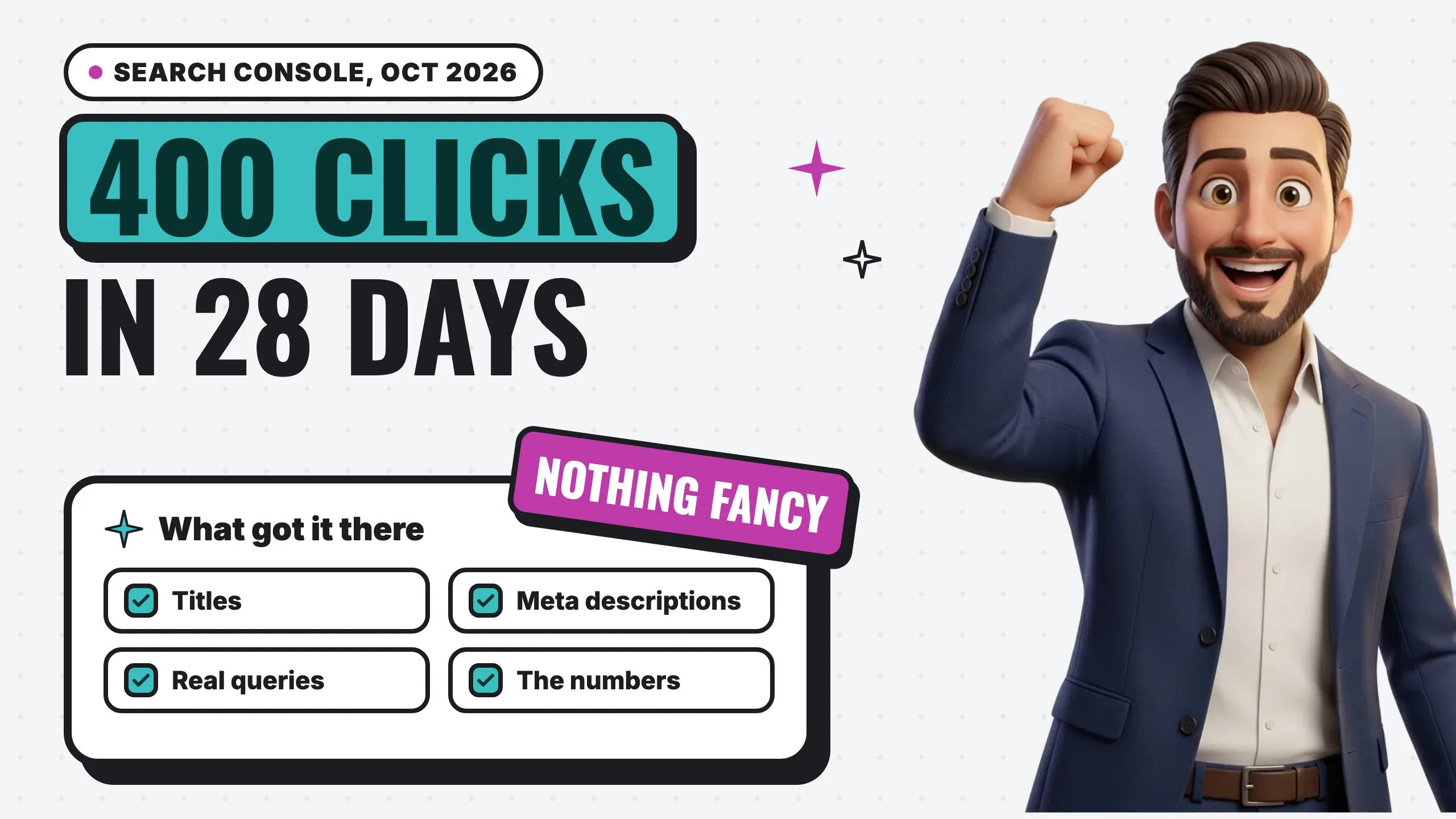
On October 1, 2026, Google sent us an email we like getting. One of the client websites we manage, a medical spa, had reached 400 clicks from Google Search in the past 28 days.
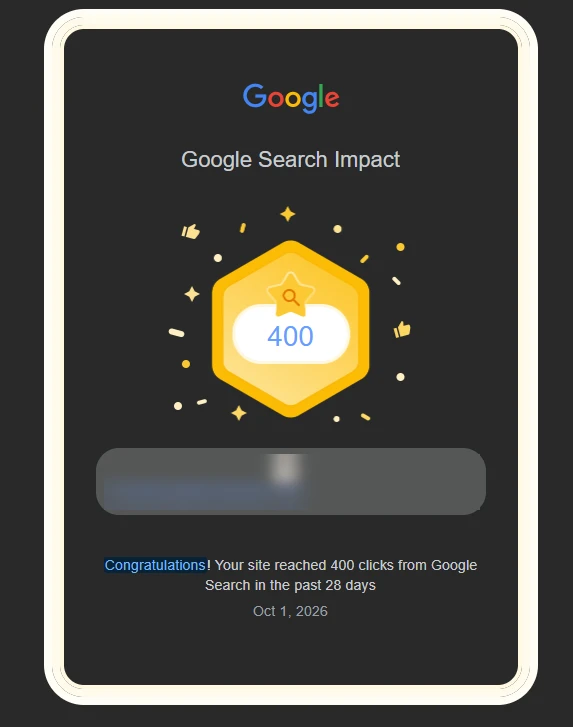
It’s a nice badge. But the badge isn’t the point. The point is what it took to get there, because none of it was fancy. It was SEO best practices, done consistently, and checked against the numbers.
The short answer: a few months ago we spotted an opportunity in Google Search Console. The site was being shown for a lot of searches but wasn’t getting clicked as often as it could. So we improved the click-through rate with better titles and meta descriptions, then improved the pages themselves to answer what people were actually searching. In the weeks and months that followed, rankings climbed and impressions grew. That’s SEO compounding.
What the Google “Search Impact” email is
It’s a Search Console achievement. Google’s help page on achievements in Search Console explains the idea: “when your site reaches 50 clicks from Google Search in 28 days for the first time, you’ll receive an email celebrating the achievement.” Bigger milestones follow, and the Achievements report in Search Console shows the next one your site is working toward.
Google is also clear about what it isn’t. The same page says achievements weren’t “designed to reflect how Google’s ranking systems work.” So the email doesn’t make a site rank better. It’s a scoreboard. It tells you the work is paying off.
Step 1: We saw the opportunity in Search Console
Search Console shows you the exact searches your site already appears for, how often it’s shown (impressions) and how often people click (click-through rate, or CTR). That last number is where the opportunity was.
A few months ago, the report showed pages that Google was showing often but people weren’t choosing. The clearest one was a treatment aftercare guide. It was appearing for hundreds of different aftercare questions, mostly too far down the results to get picked, and almost nobody clicked it. It was a short list that didn’t directly answer any of those questions.
That’s the kind of thing you only find by looking. Google was already giving the site a chance. The pages just weren’t the best answer yet.
Step 2: We improved the click-through rate
The title is the blue headline in Google, and the meta description is the short summary under it. (Our web crawler lesson shows both in a page’s code, on Google and on the page.) Together they decide whether a searcher picks you or the result below you.
We rewrote dozens of page titles and meta descriptions. Service pages got the city in the title, because that’s how people search for a med spa: the treatment plus the town. Pages that were being shown but not clicked got titles rewritten to match the exact question people were asking.
Google doesn’t always use your meta description, but when it does, it’s your pitch in the search results. In Google’s words, high-quality descriptions “can go a long way to improving the quality and quantity of your search traffic.” We also caught a few pages where the description repeated the page title twice in a row. Small, easy fix, once you look.
Step 3: We improved the pages
Better titles get the click. A better page earns the ranking.
So we rewrote that aftercare guide to answer the questions it was already showing up for. It more than doubled in length, with each common question answered in its own first sentence. A handful of other pages got the same treatment.
We also protected what the site had already earned. When it moved off WordPress onto its new build, dozens of old URLs that Google still had indexed would have led to error pages. We redirected every one to its new home, so the trust those pages had built carried over.
Step 4: Rankings improved and impressions grew
Then the numbers started moving. Within weeks of the page rewrites, that aftercare guide climbed from deep in the results to the first page for its questions, and it was shown more than twice as often. More of the people who saw it clicked it.
Across the whole site, comparing the month before the work started with the most recent month:
- Average position improved. The site moved up for the searches it was already showing up for.
- Impressions nearly doubled. Google showed the site far more often.
- It appeared for more searches. Answering real questions put the site in front of questions it wasn’t showing up for before.
- More people chose it. The pages we rewrote got a higher share of clicks from the people who saw them.
More searches, better positions, more people choosing the site. Then the email arrived.
The site also launched on its new build during this stretch, so we can’t credit any single change for the results. That’s actually the point: the work stacks.
Nothing fancy, just best practices and the numbers
There was no trick in any of this. Google’s own SEO Starter Guide says it plainly: “There are no secrets here that’ll automatically rank your site first in Google.”
What there was, every step of the way, was data. Every change started with a number in Search Console: a page shown often and clicked rarely, a question the site ranked for but didn’t answer, a position that slipped. Then we made the change, wrote down the date, and checked the same numbers again.
That’s the part most businesses skip. Not because it’s hard, but because nobody is looking at the numbers.
Why SEO compounds
Here’s the pattern we see on every site we manage:
- Better titles and descriptions turn the impressions you already have into clicks.
- Better pages answer more of the questions people search, so the site shows up for more of them.
- Better positions and more searches mean more impressions, which gives the next round of work more to build on.
Each cycle starts from a higher base than the last one. It also takes patience. Google’s starter guide notes that “some changes might take effect in a few hours, others could take several months.”
How to do this on your own site
You don’t need special tools. You need Search Console and an hour a month.
- Open the Performance report in Search Console and look at the last 28 days. New to it? Our lesson on reading Search Console walks through every number.
- Sort your pages by impressions. Find the ones with lots of impressions and a low click-through rate. Those are your best opportunities.
- Check the queries for each one. What are people actually searching when they see that page?
- Rewrite the title and meta description to match those searches. Plain words, the service, the city, a real reason to click.
- Answer the questions directly on the page, each one in its first sentence.
- Write down the date you made each change, then compare the same number of days before and after.
- Repeat next month. That’s the compounding part.
If your site isn’t showing up at all yet, start with why a business doesn’t show up on Google. And if you want to know what moves local rankings beyond your website, here are the local SEO ranking factors we track. For the whole picture, section by section with Google’s own docs linked, use our SEO checklist.
The short version
The email said 400 clicks. The work behind it was simple: spot the opportunity in Search Console, improve the click-through rate, improve the pages, and keep reading the numbers. Nothing fancy. That’s what SEO for a small business looks like when it works: steady, measurable and compounding.
Want to know where your own site stands? Start with a free audit and we’ll show you the numbers.