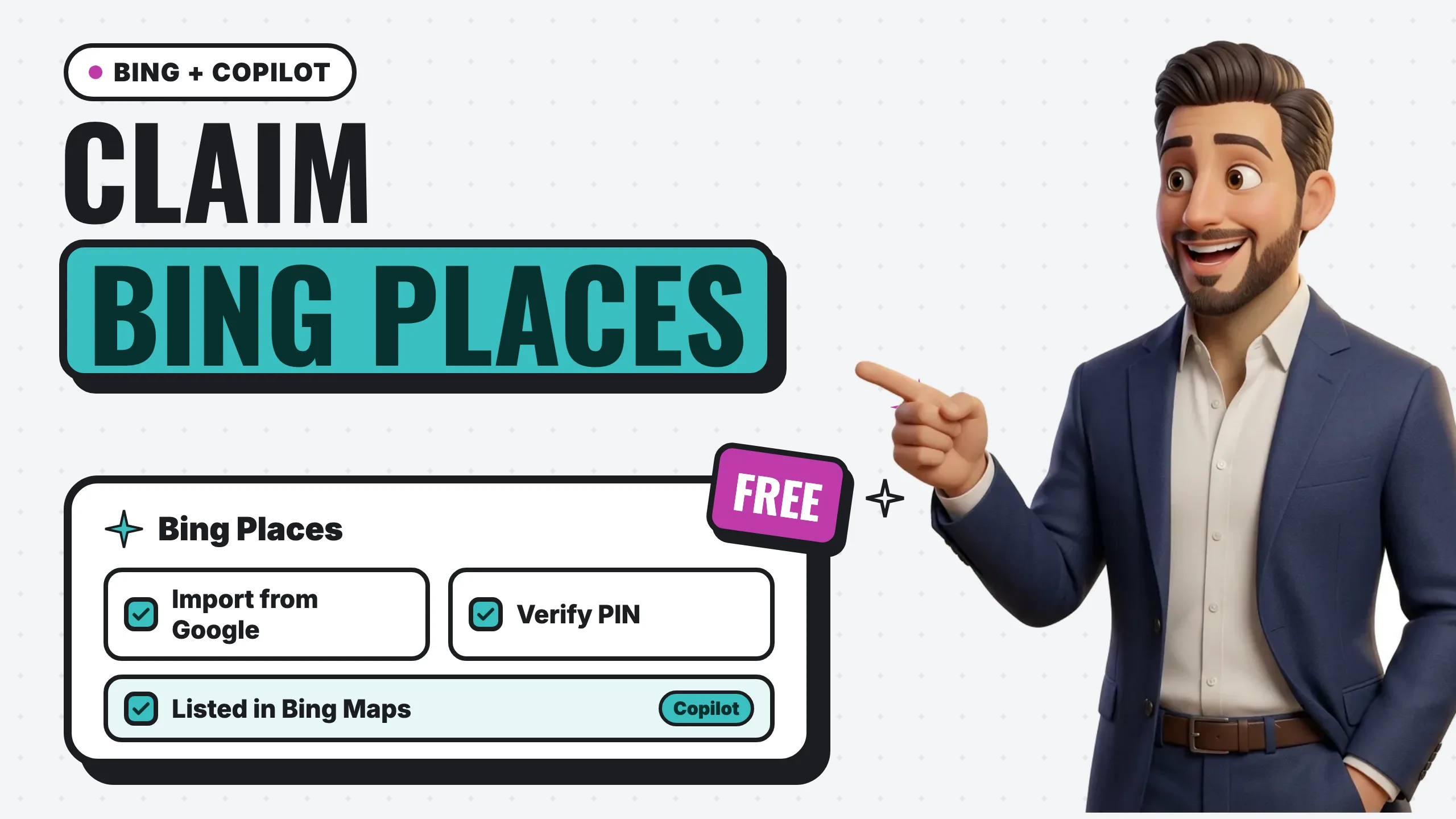
To get on Bing Places for Business, sign in at bing.com/forbusiness with a Microsoft, Google, Facebook or work account, then either import your listings from your Google Business Profile or search for your business and claim it (or select Create a new business if it isn’t listed). Microsoft then sends you a PIN by phone, mail, email or text to verify ownership, and nothing you edit goes live until that verification is done. After that, expect roughly a week or two before your changes show up on Bing.
That is the whole process, and it is free. What most guides skip is the fine print that decides whether your listing actually publishes: Microsoft cross-checks your name, address and phone against the rest of the web, phone verification only works under one specific condition, and every edit you make resets the publishing clock. Below is every step, quoted from Microsoft’s own help pages as of November 2026, plus the reason this matters more now than it did two years ago: Microsoft Copilot looks things up on Bing.
Key takeaways
- Bing Places for Business moved from bingplaces.com to bing.com/forbusiness in October 2025. Old bookmarks still redirect.
- You can link your Google Business Profile and import your listings instead of retyping them. Once linked, Google data overwrites matched Bing listings on each sync.
- Verification uses a PIN sent “via phone, mail, email, or text.” Postcards “typically take 5-6 business days to arrive within the United States.”
- Changes publish on a cycle Microsoft puts at “7-12 days for North America,” and editing a pending listing pushes that date back.
- Microsoft documents that Copilot “may fetch information from the Bing search service” to ground its answers, so how your business appears on Bing now feeds an AI assistant too.
What Bing Places for Business is
Microsoft describes it as “a free online platform where businesses can create and manage their listings to appear in Bing search results and Bing Maps” (Microsoft Bing Blog). It is Microsoft’s version of Google Business Profile: the place where you control your name, hours, phone, website, categories and photos on Bing’s local results and map.
If you set this up years ago, the address changed. On October 3, 2025, Microsoft relaunched the tool and announced that “the domain will change from www.bingplaces.com to www.bing.com/forbusiness.” Existing users and their listings were “automatically migrated,” and old logins are redirected to the new experience. Typing bingplaces.com today still lands you on the new homepage, which we confirmed while writing this.
Bing Places is not the only source Bing uses. Microsoft is upfront about this: “Bing uses many internal and external data sources to populate the information that appears in a Local Listing,” and Bing Places is “one of the primary sources” (Bing Places help). That matters later, because it explains why some edits never appear.
Why Bing matters now: Copilot looks things up on Bing
For years the honest pitch for Bing Places was that it is free and takes one sitting. Bing’s own homepage puts its audience at “140M+ daily active Bing users” (Bing Places for Business), which is real but smaller than Google.
The better reason today is Copilot. Microsoft’s documentation says that when web search is enabled, Copilot “may fetch information from the Bing search service when information from the web helps to provide a better, more grounded response,” and that Copilot generates “a search query that it sends to the Bing search service” before composing its answer. The same page says Copilot uses “generated search queries sent to the Bing search service to ground responses in web data” (Microsoft Learn). In October 2026 Microsoft also described “web-grounded responses in Bing, Copilot, and Microsoft 365” when it announced new publisher controls for AI grounding (Microsoft Bing Blog).
So the chain is documented end to end on Microsoft’s side: Copilot asks Bing, and Bing’s local results lean on Bing Places. What Microsoft has not published is exactly how Copilot uses local listing data when it answers a “near me” question. Its own roadmap for Bing Places lists “deeper integrations with Bing Maps and Copilot” as work still coming (Microsoft Bing Blog). We would not promise a business that claiming Bing Places puts it in Copilot answers. We would say an unclaimed, outdated Bing listing is a gap in a source Copilot is documented to search.
If you want the bigger map of where AI assistants get local business information, we sorted the sources by evidence in which data sources AI search uses.
Before you start
Two minutes of prep saves a rejected listing.
Make your details match everywhere. Microsoft says Bing “verifies the details submitted by business owners by comparing them with information available across search engines, websites, and social media platforms,” and recommends “keeping your business name, address, phone number, website, and other key details consistent and up to date across all of your online channels” (Bing Places help). If your Google profile, website footer and Facebook page disagree on your suite number, fix that first.
Pick the account you will keep. Microsoft says “creating your Bing Places account is simple: all you have to do is sign in,” and lists four ways to do it: Facebook, Google, Microsoft Account (MSA), or a work account. Then the line that matters: “Any listings you claim or create will be associated with the email credentials you’ve used to sign in.” Use a business account you control long term, not an employee’s personal login.
Agencies take a different route. Microsoft notes that “Agencies require a special authorization process,” which is documented separately on its Bing Places API page.
Option 1: Import your listing from Google Business Profile
If your Google Business Profile is already in good shape, importing is the fastest path. Microsoft’s help page says you can “link your Google My Business account to your Bing Places for Business account to import your Google business listing, saving the time and trouble of manually recreating existing listings” (Microsoft’s help still uses Google’s old product name) (Bing Places help).
Here is how the import behaves, in Microsoft’s words:
- “Once your Google account has been linked, changes made to listings in your Google account will update your Bing listing the next time a sync is performed.”
- “If listings are matched, Bing will use Google data to overwrite the Bing Places for Business listing information.”
- “If your listings are new, Bing will create new listings in Bing Places for Business.”
- On services: “If you are syncing your Google business, then your offered services will be automatically imported.”
The October 2025 relaunch rebuilt this flow. Microsoft says the new import “is faster, more reliable, and better at preserving key attributes like business name, hours, and contact details” (Microsoft Bing Blog).
Two practical consequences:
- Google becomes the source of truth. Because a sync overwrites matched Bing listings with Google data, fix mistakes on Google, not on Bing. An edit made only on Bing can be replaced on the next sync.
- Garbage in, garbage out. An import copies whatever is on your Google profile. If your profile is unverified, has a stale phone number or a duplicate, sort that out first. Our guides on verifying your business on Google and removing a duplicate Google Business Profile cover both.
Some guides claim a Google import verifies your Bing listing instantly. Microsoft’s help pages do not say that, as of November 2026. What they do say is that “any updates or changes will only go live after the listing has been successfully verified.” After importing, check each listing’s status in your dashboard, and if it is not marked verified, request a PIN as described below.
Option 2: Claim an existing listing or add a new one
If you don’t use Google Business Profile, or you would rather enter things by hand, Microsoft’s steps are (Bing Places help):
- “Sign in to Bing Places for Business.”
- “Search on Bing to check if a listing for your business already exists.”
- “When searching, select the correct country, then enter your business name and location, and click Search.”
- “If multiple results appear, choose the listing that matches your business address. If there are duplicate listings for your business, report the duplicates.”
- “If the listing already exists, claim it to begin the verification process before any updates can be published. If no listing is found, select Create a new business to add your business details.”
Because Bing builds local listings from many data sources, your business may already have a listing you never created. Claiming it is better than creating a second one, because a duplicate splits your information across two records.
If your listing is already claimed by someone else
Microsoft’s instructions say that if the listing “exists and it is claimed by someone already, please refer to the Request Access section” of its help. This is common when a former employee, web designer or marketing vendor claimed it years ago. If you can’t get access that way, use Microsoft’s support form.
If your business moved or changed its name
This is the one place Bing differs sharply from what most owners expect. Microsoft says: “If your business has moved to a new address, please create a new listing with the updated address instead of claiming the old one.” For an existing listing, it recommends you “create a new listing in your account using the updated business name and address” and “mark the old listing as closed,” because old listings stay linked to outside sources and editing them “may lead to data conflicts over time.”
How to verify your Bing Places listing
Verification is what makes the listing yours. Microsoft puts it plainly: “By verifying your listing, you protect it from unauthorized changes. When you request verification, we’ll send you a PIN to help complete the process. You can receive a unique PIN via phone, mail, email, or text. Some options won’t be available to all customers” (Bing Places help).
| Method | What Microsoft says | Watch out for |
|---|---|---|
| Phone | “Offered only if the existing business listing already contains the business phone number that has not been edited” | If you changed the phone number on the listing, this option disappears |
| Postal mail | Postcards “typically take 5-6 business days to arrive within the United States” | Microsoft asks you to “wait at least 12 days” before contacting support |
| “Be sure the email on your account is one you can access” | You can change the account email under Basic details | |
| Text | Listed as a PIN option | “Some options won’t be available to all customers” |
| Bulk verify (chains) | Group your locations, then “use the bulk verify option”; review takes “5-7 business days” | Goes to Microsoft’s support team for manual review |
If your PIN doesn’t work
Microsoft lists the usual cause first: “it’s possible that your agency or another user started the verification process on your behalf using a different account. You must use that same account to enter the PIN.” Otherwise, check that you typed all six digits, request a new PIN, or contact support.
Google verification has the same failure mode, a PIN requested from someone else’s login. It is one more reason to set up Bing Places under a business account from day one.
How long until your listing shows up on Bing
Once verified, Microsoft says “your listing will be published,” and you can see “the publishing ETA next to your Verified status.” The wait is called a Publish Cycle, and Microsoft gives the typical timeframe as “7-12 days for North America and up to 2 weeks for the rest of the world.”
The trap: “when you edit your listing, it changes your publish date.” Every edit is a new version sent to Bing, so tinkering with a pending listing keeps pushing the date out. Microsoft’s own advice is to “wait for updates to show in Bing before making more changes.” Make all your edits in one sitting, save once, then leave it alone.
If something still hasn’t updated after several days and your change follows the rules, Microsoft asks you to flag it through support “so that it can be reviewed, validated, and updated.”
How to complete and manage your listing
A verified listing with three fields filled in is a missed opportunity. Here is what Bing Places lets you edit, per Microsoft’s help page:
| Section | What you can add | Microsoft’s limits and notes |
|---|---|---|
| Basic details | Name, address, phone, website, hours, category, open or closed status | All required. “Controlled through automated validation”; changes apply only “if they align with trusted external data” |
| Categories | 1 primary plus up to 9 secondary | The primary “should be the one that most accurately reflects your core business offering” |
| Photos | Exterior, interior, services, awards, logo | “Up to 100 photos”; photos “must be at least 480x360 pixels”; “one time upload limit is 10MB.” Tag each with a category such as interior, exterior or logo |
| Service areas | Cities, regions or ZIP codes you serve | Up to 20 locations |
| Services offered | The specific services you provide | Imported automatically if you sync from Google |
| Business announcements | Offers, events, promotions | For “timely business updates,” not permanent info like hours |
| Contact details | Email, Facebook, Twitter, Yelp, TripAdvisor | Not published. Helps Bing “associate your listing to other data sources” |
| Restaurants and hotels | Menu link, price level, hotel class and amenities | Shown only for those categories |
That “automated validation” note on basic details is the part most owners miss. Bing will not simply take your word for a new phone number or address. If it conflicts with what Bing sees elsewhere, your change “may not publish or may be overwritten.” This is why the consistency prep step matters.
Microsoft also pushes freshness. Bing Places is a preferred feed, but Microsoft says other sources can take priority when their information is fresher, and its example is a listing that “hasn’t been updated for more than 6 months.” A quick review twice a year keeps Bing Places in charge of your listing.
Hiding your address as a service-area business
Plumbers, cleaners, mobile mechanics and anyone else who travels to customers can hide their address. Microsoft’s steps are:
- “Sign in to Bing Places for Business.”
- “Select your business listing and click Edit.”
- “Enter your complete and accurate address.”
- “Make sure a business category is selected.”
- “If you do not have a physical location, enable the option to hide your address. You can only hide your address when you provide the Service Areas you cater to.”
- “Go to the Service areas section.”
- “Add the cities, regions, or ZIP/postal codes where you provide services. Hit Enter per location.”
- “Save your changes.”
In the Basic details section, the question you are answering is “Are customers expected to visit your address?” (Bing Places help). You still need a real address on the account; Microsoft is explicit that “a current address is required for your account,” and a mailing address you don’t operate from can’t be used.
The rules that get Bing listings suspended
Bing Places has data quality guidelines, and Microsoft warns that ignoring them “could lead to suspension.” The ones small businesses trip over:
- No keywords in your name. Use the name customers know. Don’t add descriptors “like ‘best,’ ‘cheap,’ or ‘closed’ in your business name, unless they are legally part of your business name.” Microsoft says it does not “accept SEO techniques, like keyword insertion, applied to a business name.”
- Your own phone and website only. “Don’t use a reseller or partner’s phone number,” and don’t use “a reseller or partner website.” A social profile “should not be used as a primary business website”; add it under social profiles instead.
- A real address, with suite number. “Include your suite number and building name or number in the address.”
- Accurate pin. “Zoom in on the map as much as possible and place a pin at the center of your store’s location.”
- Hours. You can set “up to two time slots per day,” or check 24/7 if you never close.
These are nearly the same rules Google enforces, which is convenient: a profile built to Google’s standard will pass Bing’s. If you want to see what else moves local rankings once your listings are clean, we broke it down in how to rank higher on Google Maps.
Frequently asked questions
Is Bing Places for Business free?
Yes. Microsoft calls it “a free Bing service that empowers businesses to claim existing listings, or add new ones.” The homepage also promotes a separate, optional Microsoft Advertising credit offer.
What happened to bingplaces.com?
Microsoft moved the tool to bing.com/forbusiness as part of its October 2025 relaunch. Accounts and listings migrated automatically, and the old address redirects.
Do I need a Microsoft account to use Bing Places?
No. You can sign in with Google, Facebook, a Microsoft account or a work account. Whichever you pick owns the listings you claim, so choose one your business controls.
Does importing from Google verify my Bing listing automatically?
Microsoft’s help does not promise that, as of November 2026. It says updates go live only after a listing is verified. Import first, then check each listing’s status and request a PIN for any that aren’t marked verified.
If I import from Google, will Bing stay in sync?
Yes, while the accounts are linked. Microsoft says “changes made to listings in your Google account will update your Bing listing the next time a sync is performed,” and that Google data overwrites matched Bing listings. Make your edits on Google.
Will claiming Bing Places get my business mentioned in Copilot?
No one can promise that. Microsoft documents that Copilot searches Bing to ground its answers and that Bing Places is a primary source for Bing’s local listings, but it has not published how Copilot uses listing data for local questions. Claiming and verifying is the part you control. To check whether AI tools mention you today, see how to see if AI recommends your business.
Should I also set up Bing Webmaster Tools?
Yes. Bing Places covers your listing on Bing’s local results and map; Bing Webmaster Tools covers your website in Bing’s index. They are separate tools, and our lesson on Bing Webmaster Tools walks through that side.
The bottom line
Bing Places for Business is free, takes one sitting, and is the listing Microsoft’s own documentation ties to Bing’s local results, which Copilot is documented to search. Import from Google if your profile there is clean, claim by hand if it isn’t, verify with a PIN, then stop editing and let the publish cycle run (7 to 12 days in North America). Keep your name, address and phone identical everywhere, because Bing checks.
Bing is one of three listings worth owning, alongside Google and Apple. Apple’s side is covered in Apple Business Connect. To see how your Google profile, the one Bing imports from, stacks up against competitors near you, run our free 60-second GBP scan. No signup.