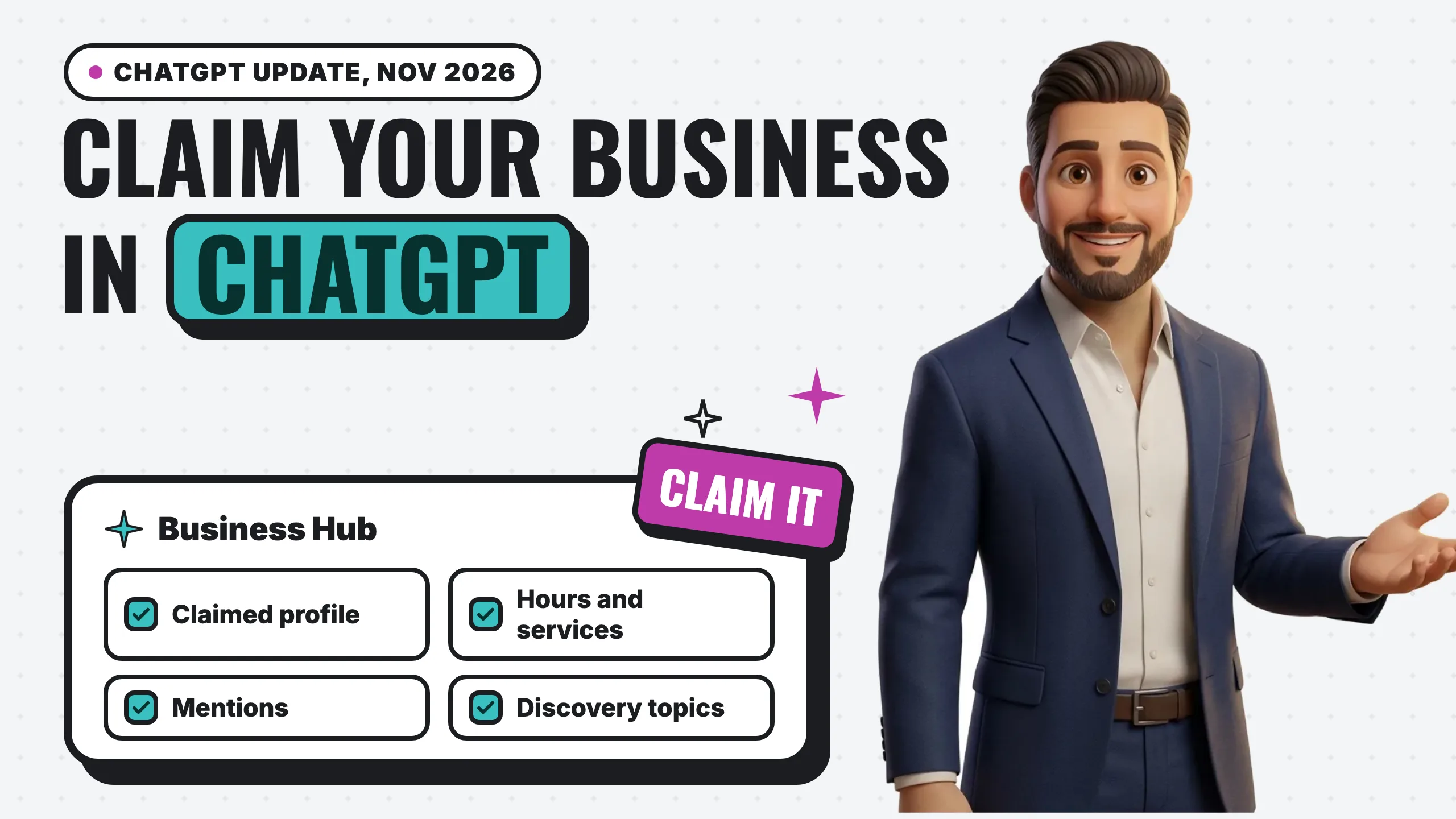
ChatGPT now has its own version of a business listing. On November 10, 2026, OpenAI launched Businesses in ChatGPT in beta, along with a dashboard called Business Hub where you claim your business, correct your details and see how often ChatGPT brings you up. Our advice is simple: if you have a website, go claim it this week. Starting the claim is quick, verification can take a little longer, and the alternative is letting ChatGPT describe you from whatever it finds on its own.
OpenAI says the launch is “a new way to connect with the 1.2 billion people who use ChatGPT each week.” We have since claimed Digital Vibes ourselves, so the steps below come from going through it, including the one detail that decides whether verification goes smoothly. Here is what it does, how to claim yours, and what it changes for a local business.
Key takeaways
- Business Hub lets a verified owner claim the business, update key details and, for retailers, upload product feeds with pricing and availability (OpenAI).
- Claimed profiles get a blue check. Claiming is “initially available to eligible businesses with a website” (OpenAI).
- The insights show how many times you were mentioned, website clicks, and “discovery topics,” the themes of conversations where your website gets cited.
- Business Agents, a chat that answers questions about your offerings, are live only for eligible ecommerce and online service businesses in the US for now.
- Claim under your legal entity name, the one tied to your EIN. A later identity check compares the two, and a mismatch stalls it. You can add your DBA as the display name afterward.
- After claiming, Business Hub may offer ChatGPT Ads credit ($500 when we claimed). Taking it means setting up an Ads Manager account with a payment method.
- Claiming does not buy you a better spot. In OpenAI’s words, “Claiming does not guarantee higher placement or sales.”
What OpenAI actually launched
There are three parts, and they are worth separating, because only the first one applies to most local businesses today.
1. A claimable business profile. When ChatGPT names a business in an answer, people can click through to that business’s ChatGPT profile. Once you verify that you own the business, you can edit what that profile says. OpenAI’s Businesses in ChatGPT policy lists the kinds of information involved: business name, category, address or service area, hours, contact details, products or services, descriptions, photos and links.
2. Insights. Business Hub gives you aggregated numbers on how people engage with you in ChatGPT: “the number of mentions and website clicks a business receives,” plus discovery topics. The dashboard OpenAI shows in its announcement also has profile views.
3. Business Agents. After claiming, eligible businesses can build, test and publish an agent that answers customer questions using “product and policy information, using guidelines you control.” That chat is clearly labeled and runs separately from the customer’s own ChatGPT conversation. You can also sponsor your agent and use it as the landing spot for ChatGPT Ads. For now, agents are limited to eligible ecommerce and online service businesses in the United States.
How to claim your business in ChatGPT
The claim flow lives at chatgpt.com/business-hub. Barry Schwartz walked through it the same day on Search Engine Roundtable, and our own claim followed the same shape:
- Log in to ChatGPT on the web. You need a ChatGPT account, and a free one works. Use the web app at chatgpt.com, not the desktop app. (If you plan to use ChatGPT for actual company work, OpenAI’s Business plan is the one meant for that.)
- Go straight to chatgpt.com/business-hub. We could not find a link to it anywhere in settings, so type the address in.
- Hit +Add and search for your business. The listings we saw looked like they came from Google Business Profile data, which is one more reason to keep that profile accurate. One account can hold several businesses, so an agency or a multi-location owner can manage them all from one login.
- Pick the right name before you go further. See the next section. This is the step that decides whether verification goes smoothly later.
- Prove you control the website. After you enter your site, Business Hub gives you a single DNS record to add. You add it wherever your domain’s DNS is managed (your registrar or host).
- Answer a few questions about what you do. The questions are general, and you can tell the form was built with product businesses in mind. Answer them as a service business anyway.
- Add an email and phone number, then verify with a text or call. Our VoIP softphone number (we use Quo) would not get a code, so we switched to our regular cell carrier number and it worked. If you use a softphone, Google Voice or a call menu, have a real mobile number ready.
That completes the claim. Your profile then waits on an identity check before you can edit it.
Use your legal business name, not your listing name
Later in the process, ChatGPT runs an identity verification against your EIN, so the business name you claim has to match the legal entity on file with the IRS. The search results in step 3 often show your public brand name instead, the way it appears on Google. If those two names differ, the identity check flags the mismatch, and that is the step our own claim is working through now.
You have three ways to handle it:
- Claim the listing as it appears in search, and expect to resolve the name mismatch during verification. We do not yet know the fix on OpenAI’s side for this path.
- Create a new business under your legal entity name (the one on your EIN paperwork). Later in the flow you can add a DBA, which becomes the display name customers see. This is the path we recommend.
- Do both. Since one account can hold several businesses, you can claim the existing listing and also create one under your legal name.
Get the ChatGPT Ads credit (optional, but quick)
When we finished claiming, Business Hub offered $500 in ChatGPT Ads credit. OpenAI has not published terms for that offer, and its help page on ad credits describes a different program (up to $50 a month for ChatGPT Business workspaces), so check what your own screen offers. Here is how the setup went for us:
- Create a ChatGPT Ads Manager account from the offer.
- Review the starter ad. Ads Manager reads your website and drafts an ad for you. It works best when your site has a clear offer to point at, like a free consult, an intro price or a downloadable guide.
- Add a payment method. Account setup does not finish without one. We used a virtual card with a low limit, then paused the campaign it created right away, so nothing runs until we decide to advertise.
If you are deciding whether to spend on it at all, read our take on whether ChatGPT Ads work for local businesses.
What unlocks after verification
Until the identity check clears, most of the profile stays locked. You cannot add a product or service catalog, and you cannot set up a Business Agent to chat with customers.
What you do get right away is the analytics view, which was the most interesting part for us. Do not expect much data on day one, though. OpenAI says insights only fill in “when there are enough conversations or interactions to meet certain thresholds.”
A few practical notes from the fine print:
- You need a website. Claiming is initially open only to eligible businesses with one. If your business still lives only on a Facebook page or a directory listing, this is one more door that stays closed until you have a real website of your own.
- Use the domain you control. The website check means editing a DNS record on your domain. If someone else registered your domain or controls your DNS, sort that out first, because you need access to those settings to verify this way.
- Shopify stores get a shortcut. Merchants can connect from Business Hub or from the Shopify admin, and OpenAI says eligible Shopify products “are already integrated into ChatGPT through Shopify Catalog.” You can also claim without Shopify.
- Big accounts go through a rep. Existing OpenAI Enterprise customers and advertisers can claim through their OpenAI representative.
- Neither of OpenAI’s launch pages lists a fee for claiming. The paid part is optional: ChatGPT Ads, including sponsoring your agent.
Your profile may already exist
This is the detail most owners will miss. OpenAI’s policy says profiles “may also include information from other sources,” and the FAQ says ChatGPT “may show information about your business whether or not you have an agent.” In other words, ChatGPT can already be describing your business, using whatever it pulled together from the web, before you ever touch Business Hub.
That is exactly why claiming early matters. Barry put the risk plainly: “I am honestly nervous about people hijacking businesses on here.” OpenAI’s policy forbids impersonating a business or misrepresenting ownership, but a rule is not the same as a lock. The safest profile is the one the real owner has already verified.
What this means for a local business
If you run a plumbing company, a salon or a dental office, here is the honest read.
Claim it, but do not expect it to replace anything. OpenAI is clear that ChatGPT “continues to make independent recommendations and comparisons.” The profile lets you correct the facts. It does not decide whether ChatGPT recommends you. That decision still comes from what the rest of the web says about you: your Google Business Profile, your reviews, mentions on local sites, and pages that clearly say what you do and where. We broke down where those answers come from in which data sources AI search uses.
The insights are the real prize. Until now, the only ways to see how often ChatGPT mentions you were to keep asking it yourself or to pay for a tracking tool. Mentions and website clicks give you a first real signal, and discovery topics tell you which questions you are showing up for. That is useful for deciding what your website should cover next.
The agent is not for local services yet. Business Agents are limited to US ecommerce and online services at launch. OpenAI says it plans to expand to more markets and business categories over time, so treat this as “coming later” for a service business, not “never.”
Here is how it compares to the profile most local owners already know:
| ChatGPT business profile | Google Business Profile | |
|---|---|---|
| Claim and verify | DNS record on your domain, a text or call code, then an identity check against your EIN | Google’s own verification flow (often video) |
| Requires a website | Yes, at launch | No |
| Edit hours, services, contact info | Yes | Yes |
| Product feed with price and stock | Yes, for retailers | Products section, or Merchant Center for feeds |
| Customer reviews on the profile | Not in the fields OpenAI lists | Yes |
| Performance numbers | Mentions, website clicks, discovery topics | Calls, website clicks, directions and more |
| Chat with the business | Business Agent (US ecommerce and online services) | No equivalent agent |
| Guarantees ranking | No | No |
The two are not competing for your attention. AI answers are built from what the web says about you, so a complete, accurate Google profile and a clear website help you in both places. This is the same work we describe in SEO for AI search, and in our explainer on how AI search works.
What we would do this week
- Claim the profile at Business Hub under your legal entity name, with a real mobile number ready for the code.
- Make the details match everywhere. Same name, phone, hours and service area as your Google profile and your website. Mismatched details give AI answers conflicting facts to choose from.
- Check what ChatGPT already says. Ask it the questions your customers ask, like “best [your service] in [your city],” and note whether you show up and what it says.
- Come back in a few weeks for the insights. Once the numbers fill in, look at the discovery topics and make sure your website has a clear page for each one.
- Skip the paid agent for now unless you sell products online in the US. If you are curious about the ad side, read our take on whether ChatGPT Ads work for local businesses first.
Frequently asked questions
How do I get my business on ChatGPT?
Claim it in Business Hub at chatgpt.com/business-hub: search for your business, verify that you own it, then update your details. You need a website to claim at launch. Claiming fixes what ChatGPT says about you; whether it recommends you still depends on your reviews, your Google Business Profile and what other sites say about you.
What is Business Hub in ChatGPT?
Business Hub is OpenAI’s dashboard for business owners, launched in beta on November 10, 2026. It lets you claim your business in ChatGPT, update your information, add product feeds if you sell products, see insights such as mentions and website clicks, and, if you are eligible, build a Business Agent.
Does it cost anything to claim your business in ChatGPT?
Neither of OpenAI’s launch pages mentions a fee for claiming or updating your profile. The paid option is sponsoring your Business Agent through ChatGPT Ads, which is separate and optional.
How do you verify a business in ChatGPT?
In our claim, there were three checks: a DNS record on your website’s domain, a code sent by text or phone call, and an identity verification against your EIN. The identity check compares your business’s legal name, so claim under the name on your EIN paperwork. Verification can stay pending for a while after you submit it.
What if my business name in ChatGPT doesn’t match my legal name?
Create a new business in Business Hub under your legal entity name, then add your DBA as the display name later in the flow. If you already claimed the listing under your brand name, you can keep it and add the legal-name version too, since one account can hold several businesses.
Do I get free ad credits for claiming my business in ChatGPT?
When we claimed ours, Business Hub offered $500 in ChatGPT Ads credit. OpenAI has not published terms for that offer, so check what your screen shows. Taking it means creating a ChatGPT Ads Manager account and adding a payment method.
Will claiming my business make ChatGPT recommend me more?
No. OpenAI states that “Claiming does not guarantee higher placement or sales,” and that ChatGPT keeps making independent recommendations. Claiming makes sure the facts about you are correct. Getting recommended still depends on your reviews, your Google Business Profile, your website and what other sites say about you.
Can a local service business use Business Agents?
Not yet. At launch, Business Agents are available only to eligible ecommerce and online service businesses in the United States. OpenAI says it plans to expand to more business types and markets over time.
Will businesses see what customers type into ChatGPT?
No. OpenAI says it does not share users’ conversations or Business Agent chats with businesses. Insights are aggregated and only appear once there is enough activity to meet its privacy thresholds.
The bottom line
For the first time, a business owner can correct what ChatGPT says about them and see how often it brings them up. That is a big deal, and OpenAI lists no fee to claim. Claim your profile, make your details match everywhere, and treat the insights as a free window into the questions customers are asking.
What it does not change is how you earn the recommendation. ChatGPT still picks from what the web says about you, and that starts with your Google profile. Our free 60-second GBP scan grades your listing against the businesses ranking around you, no signup needed. If you want to see where you rank across your whole service area, start with the free local rank grid audit.