Squarespace is the better product for a business that wants a good-looking site to exist and then to stop thinking about it. WordPress is the better platform for a business that intends to keep pushing on the site: more pages, more structured content, more search visibility, more integrations, more custom behaviour. Almost every disappointed client I have met chose correctly for the business they had and incorrectly for the business they were becoming.
I build on both and I prefer WordPress, for reasons I will make specific below. I am also going to be honest about what that preference costs, because the thing WordPress asks of you is real and most comparisons skip it.
Key takeaways
- Most comparisons conflate two different products. WordPress.org is free software you host yourself; WordPress.com is a hosted subscription with tiers, much like Squarespace.
- On Squarespace, adding JavaScript to a code block and site-wide code injection are gated: “a premium feature available in the Core plan and higher.”
- On self-hosted WordPress there is no tier above you. The software is licensed under the GPLv2 and you have file-level access from day one.
- WordPress powers “58.8% of all the websites whose content management system we know,” which is “40.2% of all websites” (W3Techs, 18 September 2026).
- The bill for that freedom is maintenance. Plugins are the best and the worst thing about WordPress, and an unmaintained site is a broken site waiting for a date.
First: which WordPress are we even comparing?
This is the single biggest source of confusion in this decision, and most articles ranking for it quietly pick whichever definition suits their argument.
WordPress.org is the open-source software. It is “built on PHP and MariaDB, and licensed under the GPLv2” (WordPress). You download it for nothing, put it on hosting you choose, and you have complete access to the files, the database, the theme and every plugin ever written. This is what agencies mean by “a WordPress site,” and it is what I mean everywhere below unless I say otherwise.
WordPress.com is a hosted subscription business built on that software. It has plans and feature gates, exactly like Squarespace. Its own pricing page lists a free tier, then Personal at $4 a month billed annually, Premium at $8, Business at $25 and Commerce at $45, with plugins available from the Personal plan and SFTP, SSH, WP-CLI and staging arriving at Business (WordPress.com).
Notice what this does to a comparison. Squarespace’s own comparison page states that “WordPress’ lowest-priced plans do not offer ecommerce tools, live support, plugin availability, or full design customization” (Squarespace). Read against WordPress.com’s own pricing page, which sells plugin access from the $4 plan, that framing is doing some work. Read against WordPress.org, where nothing is gated at all, it does not describe the same product.
So: Squarespace versus WordPress.com is a fair fight between two subscription builders. Squarespace versus WordPress.org is a different question entirely, which is the one worth asking.
The real difference is who owns the ceiling
Everything else in this comparison is downstream of one question: when you eventually need the site to do something its designers did not anticipate, who decides whether that is allowed?
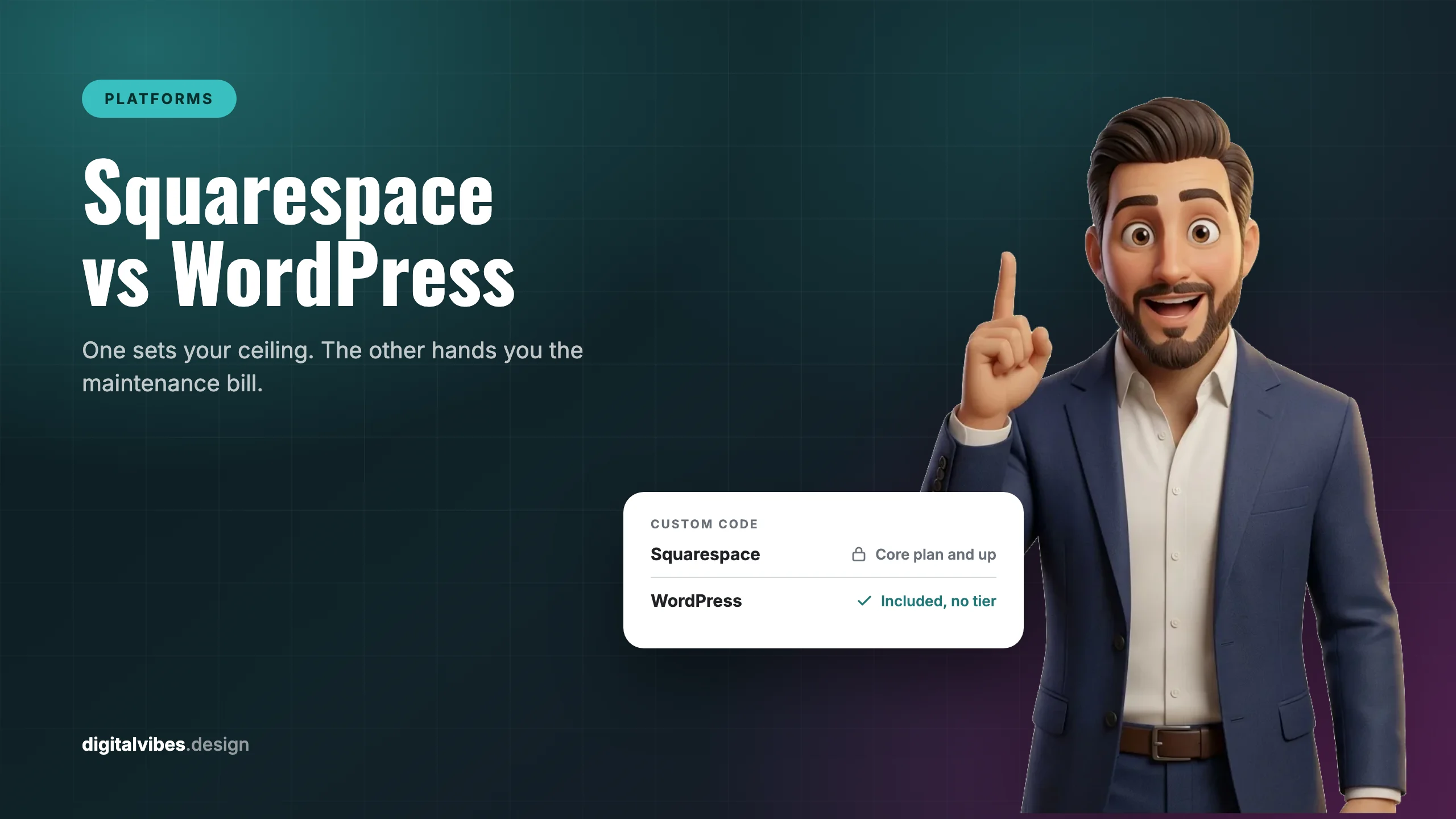
On Squarespace, the platform decides, and it charges by tier. The current plans are Basic, Core, Plus and Advanced, which Squarespace confirms “have replaced the Personal, Business, Commerce Basic, and Commerce Advanced plans” (Squarespace). On the entry-level Basic plan, “adding JavaScript or iframes to a code block is a premium feature available in the Core plan and higher.” Code injection, meaning site-wide or per-page custom code, arrives at Core as well.
None of that makes Squarespace a bad product. A gate is the price of a system that cannot easily be broken by its owner, and for a great many businesses that trade is correct. But it is the trade, and it is worth understanding before rather than after.
Where I land, and why
I have always preferred WordPress, and the reasons are consistent across every build.
Flexibility with no permission step. When a client needs a booking flow, a custom post type for a 200-property listing, a schema block for a specific service page, or a tracking script that has to fire on one template only, I write it. There is no plan to upgrade first and no support article explaining that the feature is unavailable on this tier.
Customization that goes all the way down. Templates on hosted builders are excellent until you want something the template does not do. On WordPress the theme is code I can edit, so the design is a starting point rather than a boundary.
Better for both kinds of SEO. The basics are a fair fight: both platforms will give you titles, descriptions, clean URLs and a sitemap. The difference shows up in technical SEO, where the work is unglamorous and specific. Control over schema at the template level rather than page by page. Control over how pagination, archives and canonicals behave. Control over what loads and in what order, which is most of Core Web Vitals. Redirects handled in bulk. Nothing here is impossible on a hosted builder, but on WordPress none of it requires asking.
That preference is not a popularity argument, though the scale does matter for a practical reason. WordPress is used by “58.8% of all the websites whose content management system we know,” which is “40.2% of all websites” (W3Techs, 18 September 2026).
The practical value of that number is not bragging rights. It is that whatever you need to do has probably been done, and that you are never one vendor’s strategy change away from a rebuild.
What that freedom actually costs
Here is the part I would want to hear if I were paying for the site, and the part most WordPress advocates skip.
Plugins are the best and the worst thing about WordPress. They are why anything is possible, and they are also the most common way a site becomes slow, fragile or broken. Two failure modes, both routine:
- Too many. Every plugin is somebody else’s code loading on your pages, often its own stylesheet and script on every page whether or not the feature is used there. Twenty plugins doing small jobs will cost you more speed than one doing a large one, and speed is not a vanity metric when Core Web Vitals is a ranking input.
- One left to rot. An outdated plugin is the classic way a WordPress site goes down, either by breaking against a PHP or core update, or by becoming the security hole somebody walks through. It is rarely the plugin you were thinking about. It is the one installed for a campaign in 2023 and never removed.
Which means WordPress has a running job attached to it. Updates tested rather than auto-applied and hoped for, backups that have actually been restored at least once, an audit that removes what is no longer earning its place. On Squarespace that work does not exist because you are not allowed to create it.
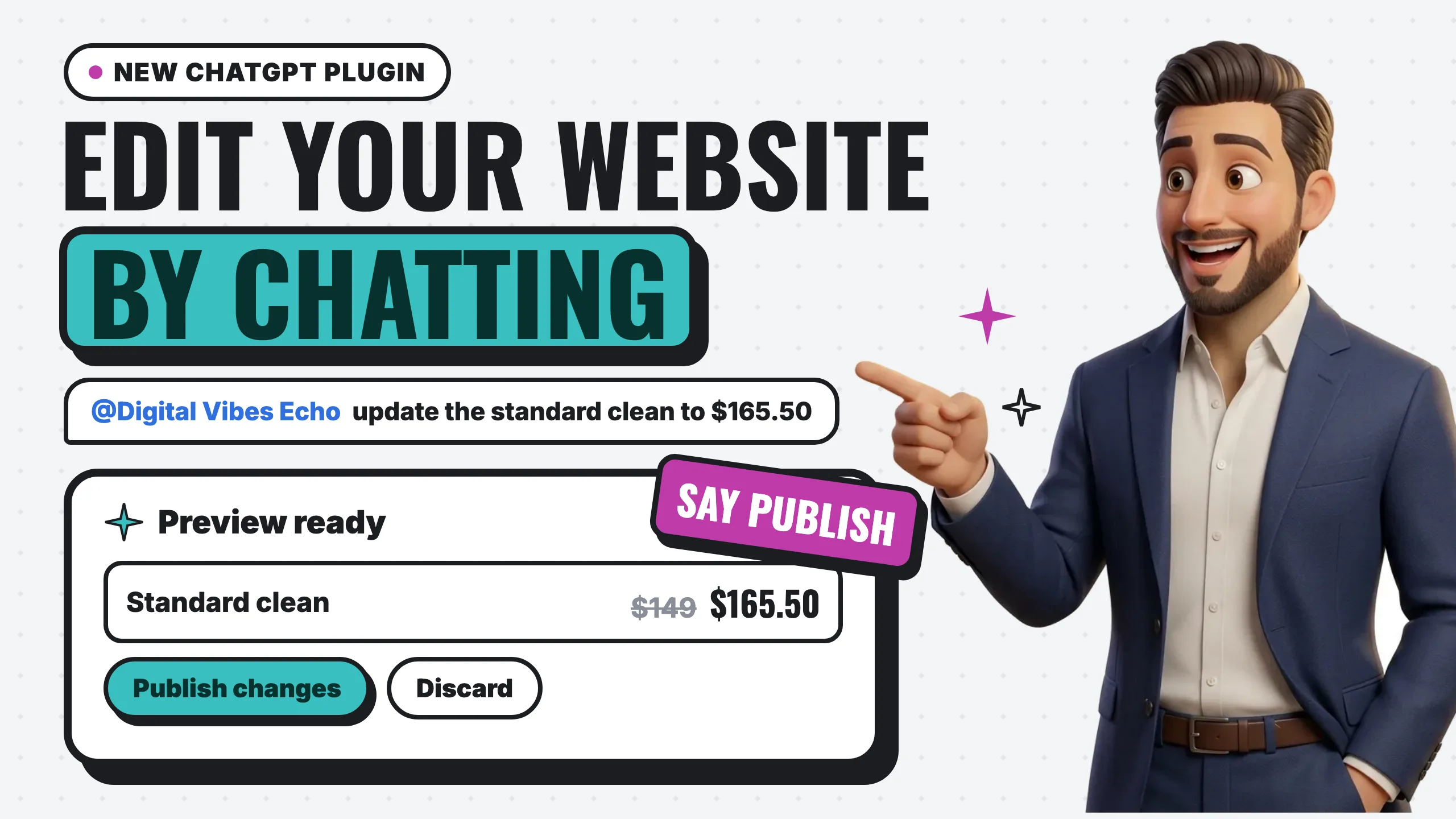
And it asks for more expertise. Someone has to hold hosting, PHP versions, caching, security and the update cycle. If that person is you and you would rather be running your business, that is a genuine argument for Squarespace, and I have made it to clients who were better served by it. Our own clients get a third option: we hold the technical side, and they make simple edits by chatting with ChatGPT.
This is the same arithmetic as the hidden cost of DIY websites: the platform fee is never the real number. The real number includes whose hours the thing consumes.
How the money actually differs
The models are not comparable line for line, which is why side-by-side price tables tend to mislead.
| Squarespace | WordPress, self-hosted | |
|---|---|---|
| Software | Included in the subscription | Free, GPLv2 licensed |
| Hosting | Included | You buy it, and quality varies enormously |
| Domain | Included on annual plans | You buy it |
| Custom code | Core plan and above | Included, no tier |
| Ecommerce fees | 2% commerce fee on Basic, none on Core and above, plus payment processing | Depends entirely on the plugin and processor you choose |
| Maintenance | Squarespace’s problem | Yours, or your agency’s |
| Ceiling | Set by your plan | Set by your budget and your developer |
Squarespace restructured its plans, so rather than print a figure that ages badly I would send you to their pricing page for current numbers. The structural point survives any price change: Squarespace’s cost is predictable and its ceiling is fixed, while WordPress’s cost is variable and its ceiling is not.
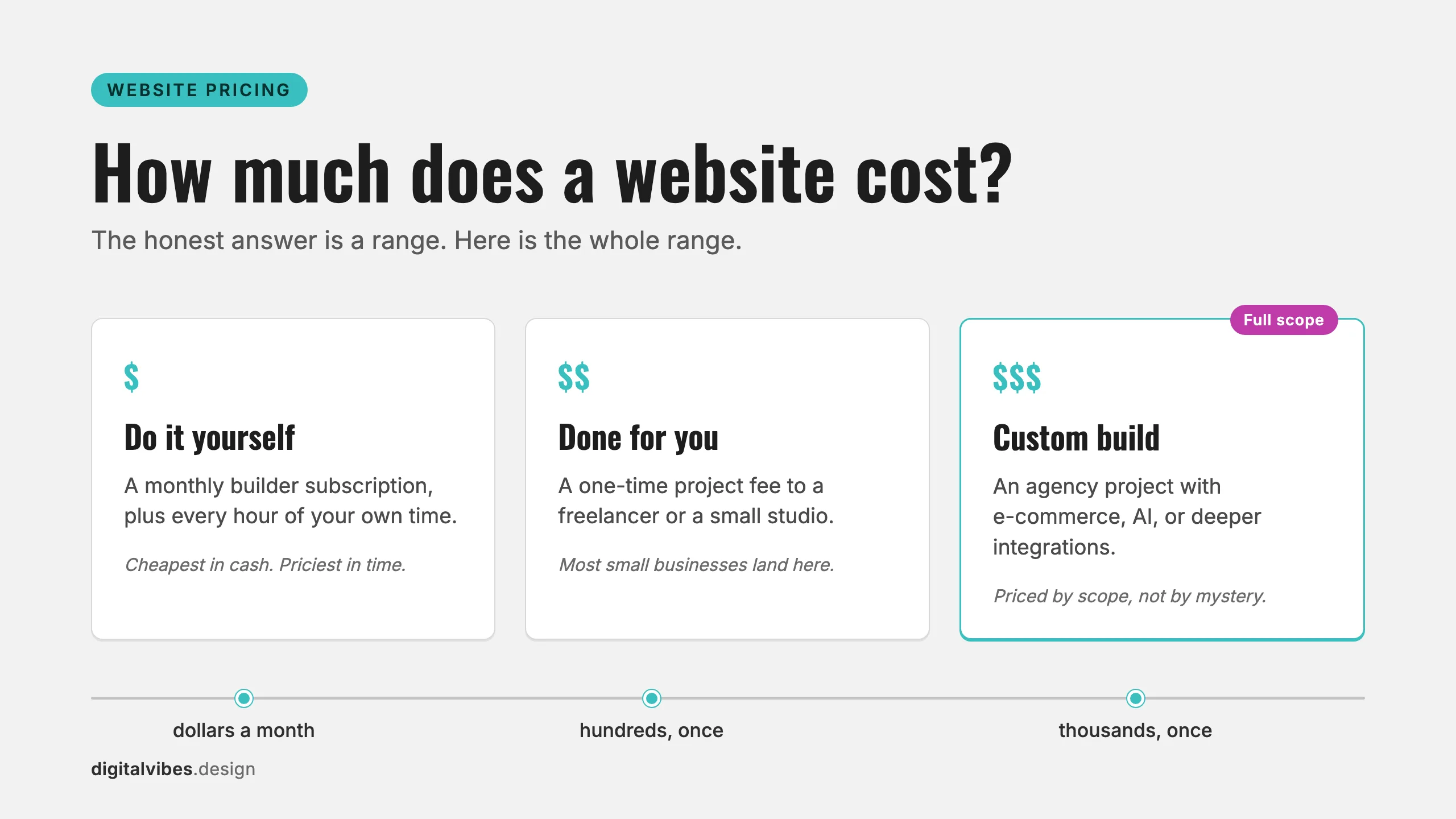
If you want real figures for a built site rather than a platform fee, we broke those down in how much does a website cost.
Where Wix fits
People comparing Squarespace and WordPress are usually also weighing Wix, and for this decision Wix sits firmly on the Squarespace side of the line. It is a hosted builder: the vendor runs the infrastructure, the editor is the product, and your ceiling is whatever the platform exposes. The meaningful choice is not Squarespace versus Wix, which mostly comes down to which editor and which templates you prefer. It is hosted builder versus self-hosted WordPress, which is a choice about who controls the ceiling and who carries the maintenance.
Choose Squarespace if
- The site is a brochure, a portfolio, or a small shop, and you expect it to stay that shape
- Nobody on your team wants to own updates, backups or hosting, and nobody is paying an agency to
- Predictable monthly cost matters more than a raised ceiling
- You are launching soon and design speed is the priority
If that list sounds like you, there is a third option
Read those bullets again and they collapse into one preference: you want a professional site to exist without it becoming your job. Squarespace solves half of that. It takes hosting, security and updates off your plate, then hands you back the other half, because you still pick the template, write the copy, build the pages and keep them current. For a lot of owners that second half is exactly the part that never happens, which is how a half-built site sits unfinished for eight months.
That gap is what our Starter Presence plan exists to close: $59 a month for a one-page site we build and write for you, in English and Spanish rather than run through Google Translate, with the domain, hosting, SSL, backups and updates all handled. You answer questions for about fifteen minutes, it launches in five days, there is no contract, and after twelve months the design files are yours.
That is our own service rather than a neutral pick, and I would rather say so plainly. I am including it because the real question underneath “Squarespace or WordPress” is usually not which platform. It is who is actually going to do the work.
Choose WordPress if
- Search is a real acquisition channel and you intend to work at it
- You publish steadily, or you need content with structure such as listings, locations or case studies
- The site has to integrate with things: a CRM, a booking system, an inventory feed, a custom form flow
- You have someone, in-house or hired, who will own maintenance
- You expect the site to keep changing, because that is where the gap widens over time
Frequently asked questions
Is Squarespace better than WordPress?
For a specific job, yes. Squarespace is better when you want a professional site live quickly and then want to stop thinking about it. WordPress is better when the site has to keep growing or doing unusual things. Neither is better in the abstract, and the honest question is which failure you would rather risk: outgrowing your platform, or neglecting your maintenance.
Is WordPress better for SEO than Squarespace?
For the fundamentals, the gap is smaller than WordPress partisans claim: both let you control titles, descriptions, URLs and sitemaps. The gap opens on technical SEO, where WordPress gives you template-level control over schema, canonicals, pagination and what loads on the page. If your plan is to compete on search rather than simply be findable, that control compounds.
Can I move from Squarespace to WordPress later?
Yes, and people do it constantly, but it is a rebuild rather than a transfer. Text and images come across; your design, layout and any platform-specific functionality do not, because they were built with Squarespace’s tools. Budget for it as a new site with a content migration and a careful redirect map, not as an export.
Do I need to know how to code to use WordPress?
No, and that answer is a little generous. You can run a WordPress site through a visual builder without writing anything. But somebody still has to own updates, backups, hosting and the occasional plugin conflict, and that is the real expertise requirement. It is less about code and more about maintenance.
How many plugins is too many?
There is no magic number, and counting is the wrong instinct. What matters is what each one loads and whether it is still maintained. Ten well-chosen, actively updated plugins will outperform four abandoned ones. The useful discipline is a periodic audit: for each plugin, what does it do, is it still needed, and was it updated this year?
What is the difference between WordPress.org and WordPress.com?
WordPress.org is the free, self-hosted software with no feature gates. WordPress.com is a hosted subscription built on it, with plans from free through Commerce, where plugins unlock on the Personal plan and developer access such as SFTP and SSH arrives at Business. When an agency says WordPress, they almost always mean .org.
The bottom line
Squarespace sells you a ceiling you cannot break, which is genuinely worth paying for if you never intend to reach it. WordPress sells you no ceiling and hands you the maintenance bill, which is worth paying if the site is a working part of how you get customers.
I prefer WordPress and I build on it by default, because flexibility, deep customization and technical SEO control are the things that compound for a business trying to grow through search. I also tell clients the truth attached to that: the plugins that make it powerful will make it fragile if nobody is watching them, and it asks more of whoever owns the site.
Pick for the business you will be running in three years. If that is a site you want to stop thinking about, Squarespace is a good answer. If it is a site that has to keep earning, see how we build, or read what makes a site actually convert before you choose either.