
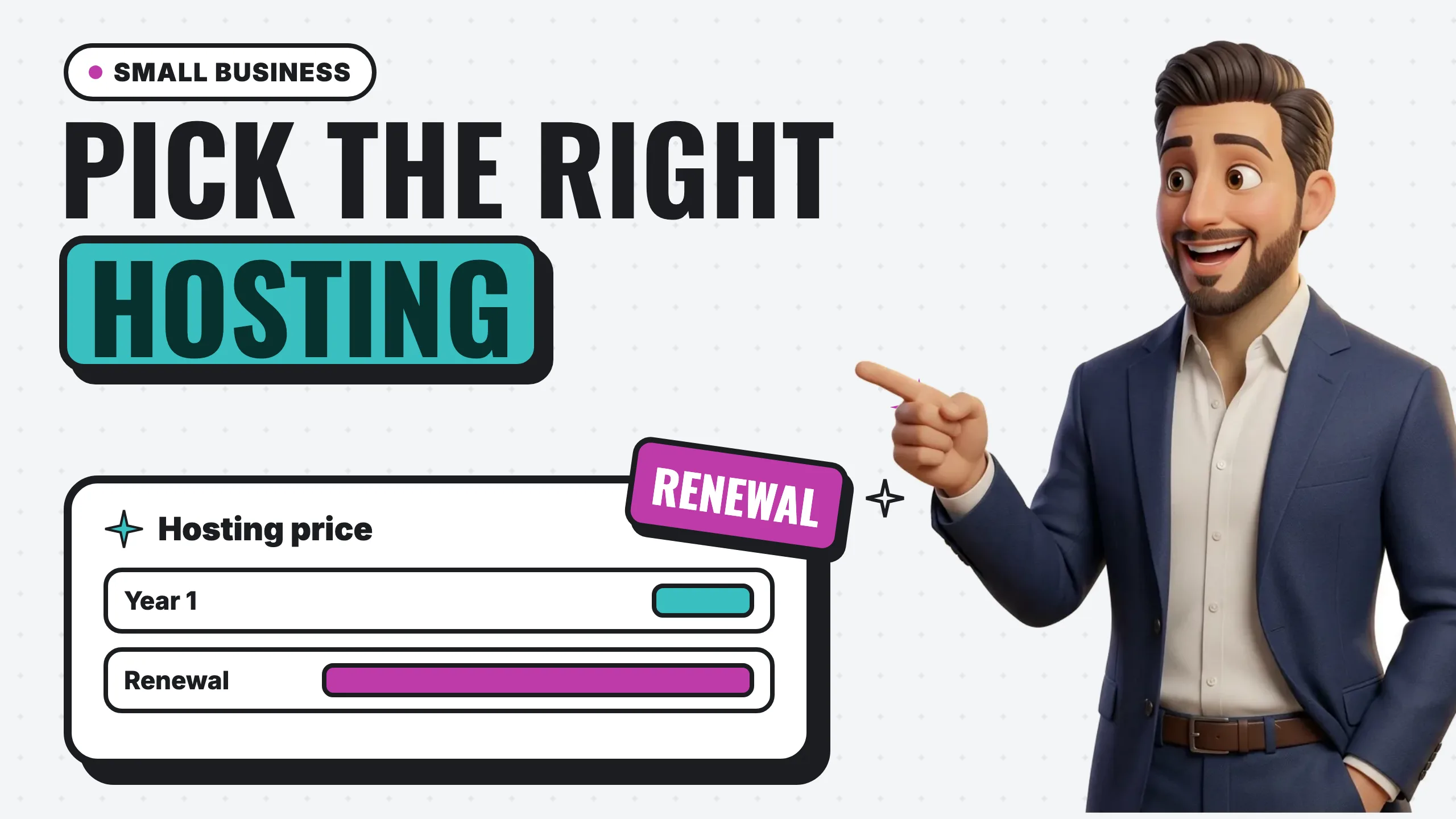
The best website hosting for a small business is the plan that keeps your site fast and secure, backs it up automatically, gives you a human when something breaks, leaves the domain and account in your name, and still costs something reasonable after the introductory price ends. For most local businesses that means one of three setups: an all-in-one website builder that includes hosting, a managed WordPress plan from a mainstream host, or a done-for-you site where the designer hosts it. Which one is “best” depends far more on who will run the site than on server specs.
This guide covers what hosting actually is, the main types, the six things that matter for a local business, and a side-by-side of four major options using each provider’s own pricing page. One warning up front: the hosting market sells on first-term prices. The comparison below shows both numbers, because the renewal price is the one you will pay for years.
Key takeaways
- Hosting is the service that stores your site and serves it to visitors. Your domain is the address; hosting is where the site lives.
- For a local business, judge hosting on six things: speed, SSL and security, automatic backups, real support, who owns the domain and account, and the renewal price.
- Intro prices are deep discounts. On November 17, 2026, SiteGround’s StartUp plan was $1.99/mo for the first 12 months and renews at $17.99/mo; Bluehost’s Starter was $4.24/mo for 12 months and renews at $11.99/mo.
- Backups differ more than prices: SiteGround lists daily backups kept up to 30 days on every plan, while Hostinger’s Premium plan and Bluehost’s shared plans list weekly backups.
- All-in-one builders like Squarespace include hosting, SSL and support in one subscription, starting at $19/mo billed annually.
- Whatever you choose, register the domain in your own name and keep the login. Hosting is easy to change. A domain you do not control is not.
What is website hosting?
Website hosting is the service that stores your website’s files and delivers them to anyone who visits. SiteGround’s definition is a useful one: hosting “provides the technologies and infrastructure needed to store, manage, and deliver your website files (like code, images, and other files) to users over the internet” (SiteGround).
People often mix up hosting and domains, and the difference matters when you are comparing plans. Hostinger puts it simply: “Web hosting is a service that stores websites and makes them accessible on the internet,” while a domain name “is essentially a website’s address” (Hostinger). You need both. They can come from the same company or from two different ones, and as you will see below, the “free domain” bundled with a hosting plan is usually free for the first year only.
The main types of hosting
There are more hosting products than a local business will ever need. These are the ones that matter, from simplest to most technical.
All-in-one website builders
Squarespace, Wix and similar builders bundle the editor, the templates, the hosting and the SSL certificate into one subscription. You never see a server. Squarespace says “all Squarespace plans include our fully-managed cloud hosting” (Squarespace). The trade-off is that the site lives on their platform: you can leave, but you rebuild rather than move the files. If you are weighing a builder against WordPress, our Squarespace vs WordPress comparison goes through that decision in detail.
Shared hosting
This is the classic “web hosting plan.” Bluehost describes it as “allowing multiple users to share space on a single server,” which makes it “a cost-effective web hosting option” that is “ideal for small to medium websites” (Bluehost). You install WordPress (or another system) on it and you are responsible for the site itself. For a typical local service business with a handful of pages, shared hosting has plenty of capacity.
Managed WordPress hosting
The line between shared and managed WordPress hosting has blurred: all three traditional hosts in our comparison list automatic WordPress updates on their shared plans. Hostinger describes managed WordPress hosting as working “similarly to shared hosting,” with extra “tools and features to optimize your WordPress website for speed and performance, and facilitate site maintenance” (Hostinger). In practice that means one-click installs, automatic updates and staging copies for testing changes.
VPS, cloud and dedicated hosting
These give you more guaranteed resources and more control. Hostinger notes VPS plans are “more geared toward tech-savvy users who need more power and control” (Hostinger), and SiteGround positions dedicated hosting, a whole server to yourself, for high-traffic or specialized needs (SiteGround). A plumber, salon, dental office or landscaping company almost never needs this tier. If someone is selling you a VPS for a five-page brochure site, ask why.
Done-for-you hosting
Many web designers and agencies, us included, host the sites they build. You pay one bill, and the designer handles hosting, updates, security and backups. The thing to check is ownership, which we cover below, because “we host it for you” should never mean “we own it for you.”
What actually matters for a small local business
Hosting comparison sites love to rank plans by storage, bandwidth and CPU cores. For a local business site those numbers rarely decide anything. These six things do.
1. Speed
A slow site costs you visitors and gets judged by Google. Google states that “Core Web Vitals are used by our ranking systems” (Google), and Google’s web.dev team sets the “good” bar: Largest Contentful Paint “within 2.5 seconds,” Interaction to Next Paint of “200 milliseconds or less,” and Cumulative Layout Shift of “0.1 or less,” measured at “the 75th percentile of page loads” (web.dev).
Hosting is only part of speed. Heavy images, bloated themes and stacks of plugins slow a site down on any host. But a host with built-in caching and a CDN (a network that serves your files from locations near the visitor) gives you a better starting point. All three traditional hosts below list a free CDN on their entry plans, and SiteGround and Bluehost also list caching built in.
2. SSL and security
SSL is what puts the padlock and the “https” in front of your address. Google’s page experience guidance asks site owners, “Are your pages served in a secure fashion?” (Google). In 2026 this should never cost extra. Every provider in our comparison includes a free SSL certificate: SiteGround and Bluehost name Let’s Encrypt, Hostinger says it is “installed automatically,” and Squarespace says it “automatically creates and configures free SSL certificates” for every site, including custom domains.
Beyond SSL, look for malware scanning and a firewall. These vary by plan tier, so read the plan you are actually buying, not the top one.
3. Automatic backups
This is where entry plans differ the most, and it is the feature you only care about on the worst day of the year. From the providers’ own pricing pages on November 17, 2026:
- SiteGround: “free daily backups (up to 30 days back)” on every plan (SiteGround).
- Hostinger: “Free weekly backups” on Premium; “Daily backups + easy data restore” on the Unlimited plan (Hostinger).
- Bluehost: “Weekly Website Backups” on the Starter and Business plans (Bluehost).
A week of lost changes may not matter for a site you rarely edit. It matters a lot if you post every day or take orders through the site.
4. Support you can actually reach
When your site goes down on a Saturday, you want a person. All four providers below advertise 24/7 support, but the channel differs by plan. Bluehost’s Starter plan lists “24/7 Chat Support” and “Phone Support Not Included,” while its Business plan includes phone support (Bluehost). If you are not technical, the quality and availability of support is worth more than any feature on the list.
5. Who owns the domain and the account
This is the one that causes real damage, and it has nothing to do with servers. ICANN, the body that oversees domain names, tells registrants: “You will assume sole responsibility for the registration and use of your domain name” (ICANN). Whoever is listed as the registrant, and whoever holds the login, controls the domain.
Three practical rules:
- Register the domain in your business’s name, with an email address you will still have in five years.
- Keep the login yourself, even if a designer or employee manages the site. Add them as a user rather than handing over your account.
- Read the “free domain” fine print. Bluehost’s free domain is for one year, after which it “will automatically renew at the then current rate,” newly registered domains “cannot be transferred to another registrar during your first sixty days,” and if you cancel in the first 30 days a domain fee is deducted from your refund (Bluehost). Squarespace’s free domain also renews “at our standard rate” after the first year (Squarespace).
None of that is unusual or unfair. It just means the domain is a separate product with its own renewal, and you should know where it lives.
6. The renewal price
Almost every traditional host advertises a first-term price that is a fraction of what you pay afterward, and many require you to prepay one to four years to get it. This is the single biggest source of hosting bill shock, so the comparison below puts the two numbers side by side.
Four major options compared
Prices checked November 17, 2026, on each provider’s own pricing page. Several hosts were running Black Friday promotions that day, so intro prices may be different when you read this. Renewal prices are the more stable number. Prices exclude taxes.
| Provider and plan | Intro price | Term required for intro price | Renews at | Backups | Free domain | Sites |
|---|---|---|---|---|---|---|
| SiteGround StartUp | $1.99/mo | Prepaid 12 months | $17.99/mo | Daily, up to 30 days | 1 year | 1 |
| SiteGround GrowBig | $3.99/mo | Prepaid 12 months | $29.99/mo | Daily, up to 30 days, plus on-demand | 1 year | Unlimited |
| Hostinger Premium | $1.99/mo ($95.52 upfront) | 48 months | $10.99/mo | Weekly | 1 year | 3 |
| Hostinger Unlimited | $2.79/mo ($133.92 upfront) | 48 months | $16.99/mo | Daily | 1 year | Unlimited |
| Bluehost Starter | $4.24/mo | 12 months | $11.99/mo | Weekly | 1 year | 10 |
| Bluehost Business | $6.79/mo | 12 months | $15.99/mo | Weekly | 1 year | 50 |
| Squarespace Basic | $19/mo billed annually, or $25 month to month | None (monthly or annual) | No separate renewal rate shown | Not listed on pricing page | 1 year, annual plans | 1 |
| Squarespace Core | $29/mo billed annually, or $39 month to month | None (monthly or annual) | No separate renewal rate shown | Not listed on pricing page | 1 year, annual plans | 1 |
A few details the table cannot hold:
- SiteGround includes free email accounts on your domain, a free CDN, and free site transfer on every plan (SiteGround). Its FAQ says StartUp “supports around 10,000 visits” a month, which is plenty for most local service businesses.
- Hostinger shows that the renewal rate applies “for the same term,” and says “all plans are paid upfront.” Its mailboxes are free for the first year and then renew at $0.59/mo each (Hostinger).
- Bluehost publishes a 99.99% uptime SLA on shared hosting; if uptime falls below that, customers “can claim a single 5% monthly credit within 30 days” (Bluehost). Its professional email is a free trial that then renews at $2.50/mo.
- Squarespace is a website builder, not a host you install software on. The subscription covers hosting, SSL, “24/7 customer support,” “unlimited bandwidth,” and the editor. Its Basic plan charges a “2% online store transaction fee,” which drops to 0% on Core (Squarespace).
What the first year hides
Multiplying out the plan prices above makes the promo effect obvious. These are hosting-only figures from the verified prices (domain renewal and email excluded):
Read it two ways. On cost alone, the traditional hosts are cheaper than a builder even at renewal. But the builder price includes the website editor and the support for it, while the host price is only the server: you still need someone to build, update and secure a WordPress site. That labor is the real cost difference, and it is the subject of our post on the hidden cost of DIY websites.
Which kind of hosting fits your business?
Match the hosting to the person who will maintain the site, not to the spec sheet.
- You will build and edit it yourself and do not want to touch software updates: an all-in-one builder. Hosting, SSL and support are part of the subscription.
- You or someone on staff is comfortable with WordPress: a managed WordPress plan from a mainstream host. Prioritize daily backups and staging, and budget at the renewal price, not the intro price.
- You want the site handled entirely: a done-for-you site where the designer hosts and maintains it. Confirm in writing that you own the domain and the site.
- You run a large store or a high-traffic site: that is when cloud or VPS hosting starts to make sense, and it is worth getting advice specific to your setup.
If you are still working out the overall budget, our guide to how much a website costs breaks down domain, hosting and build costs for each path, and the website cost calculator gives you an estimate for your own scope in about a minute.
Questions to ask any host before you pay
Put these to any provider, builder or designer. The answers are usually on the pricing page or in the terms, and if they are not, ask support before you buy.
- What is the renewal price, and how long a prepaid term do I need for the intro price?
- How often are backups taken, how long are they kept, and can I restore one myself?
- Is SSL included and renewed automatically?
- Is support available by chat, phone, or both, on the plan I am buying?
- Whose name is the domain registered in, and when does it renew, at what price?
- If I leave, can I take my site and domain with me, and is there a migration tool or fee?
- Is email on my domain included, and what does it cost after any free period?
Where Digital Vibes fits
We build and host websites for local businesses, so it is fair to say how we handle the six points above. Hosting is included in every plan we sell, and it covers an SSL certificate, daily backups, uptime monitoring, security updates and a CDN. On one-time builds you own the site and the domain from day one. On Starter Presence the domain is yours and the design files are yours to keep after 12 months. One-time builds renew at a disclosed flat rate (for example, $350 a year covering hosting, domain and SSL on our Local Pro site), and our Starter Presence site is $59 a month with hosting and upkeep included. Our pricing page lists every tier, and website management explains what ongoing care includes.
That is one option among the ones in this guide. If you like building things yourself, a builder or a good managed WordPress host is a perfectly sound choice, as long as the domain is in your name and you budgeted for the renewal.
Frequently asked questions
Do I need separate hosting if I use Squarespace?
No. Squarespace says all of its plans include “fully-managed cloud hosting” (Squarespace). You only need to buy hosting separately if you build with software you install yourself, such as WordPress from wordpress.org.
What is the cheapest good hosting for a small business?
On renewal prices checked November 17, 2026, Hostinger Premium ($10.99/mo) and Bluehost Starter ($11.99/mo) were the lowest of the plans we compared, though both list weekly rather than daily backups. SiteGround StartUp costs more at renewal ($17.99/mo) and lists daily backups kept up to 30 days. Compare the renewal price and the backup schedule together, not the intro price alone.
Does web hosting affect SEO?
Indirectly, yes. Google says “Core Web Vitals are used by our ranking systems” and asks whether pages are “served in a secure fashion” (Google). A host affects both through server speed, caching and SSL. But hosting will not rescue a site with thin content or no local signals, so treat it as a foundation rather than a ranking strategy. If your site is not appearing in search at all, start with why a website doesn’t show up on Google.
Can I switch hosting companies later?
Yes. SiteGround offers a free WordPress migrator plugin and free site transfer, Hostinger advertises “unlimited free migrations,” and Bluehost includes a free site migration tool (SiteGround, Hostinger, Bluehost). Moving off a website builder is harder because the site is built in the builder’s own editor, which is one reason to decide carefully up front.
Is the “free domain” really free?
For the first year. SiteGround, Hostinger, Bluehost and Squarespace all describe their bundled domain as free for one year. Squarespace and Bluehost state that it then renews at their standard or current rate, and Bluehost deducts a domain fee from refunds if you cancel within 30 days. Budget for the domain as its own yearly cost.
The bottom line
There is no single best host for every small business. There is a best fit for who will run your site. If you want to do it yourself without touching software, a builder like Squarespace bundles hosting, SSL and support for a flat subscription. If you are comfortable with WordPress, a mainstream host such as SiteGround, Hostinger or Bluehost costs less, but plan around the renewal price and check the backup schedule. If you would rather not deal with any of it, a done-for-you site with hosting included removes the line items entirely. In every case, keep the domain and the login in your own name.
To put real numbers on your own project, try our free website cost calculator. If you want the full breakdown of what each path costs over time, read how much does a website cost, or see every Digital Vibes tier on our pricing page.